EasyManua.ls Logo

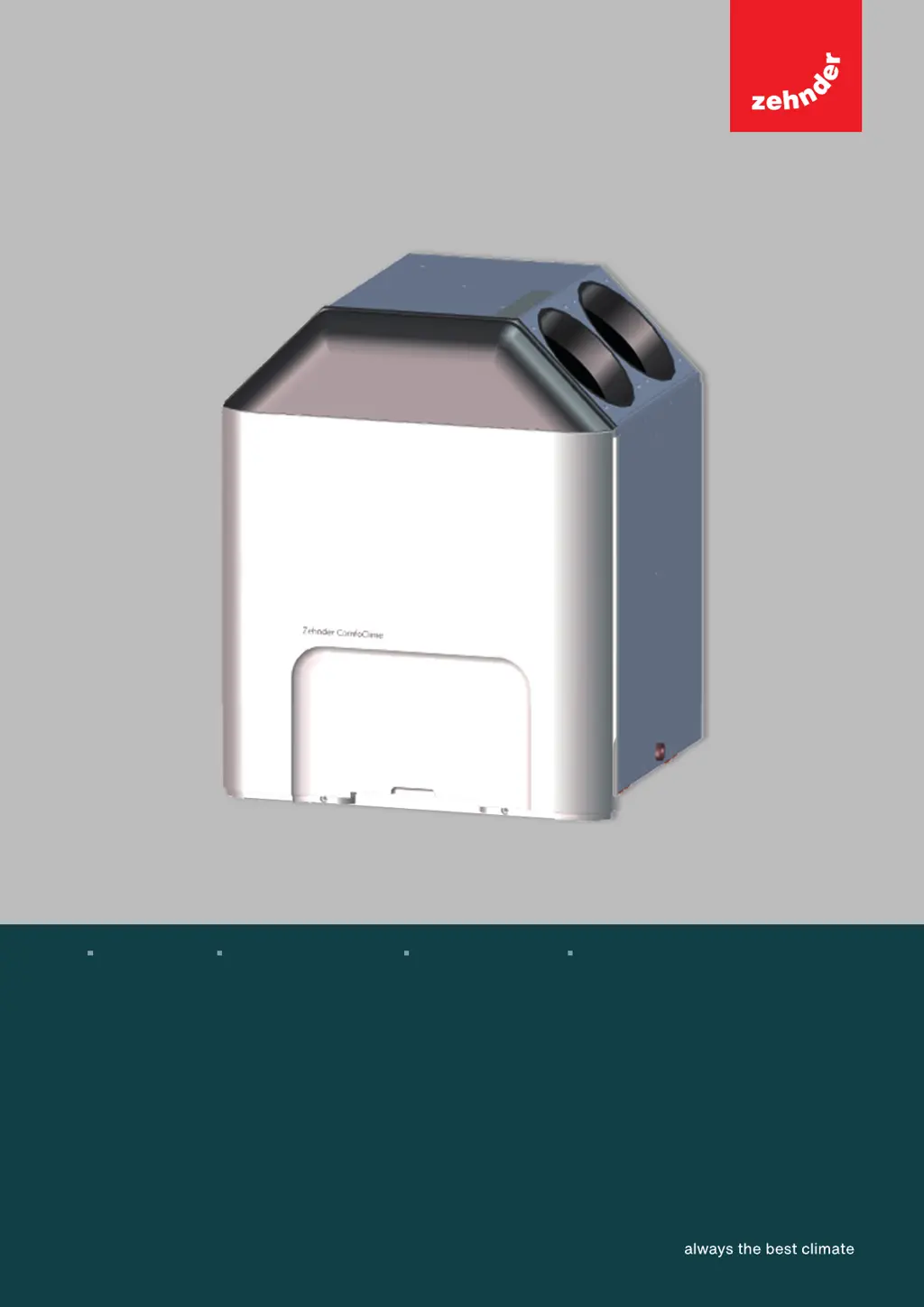
Zehnder Rittling ComfoClime 36 - User Manual

Default Icon
30 pages
Print Icon
To Next Page IconTo Next Page
Loading...
1 - EN
ComfoClime 24
ComfoClime 36
User manual
Decorative radiators Comfortable indoor ventilation Heating and cooling ceiling Clean air solutions

Other manuals for Zehnder Rittling ComfoClime 36

Questions and Answers

  • J
    James MathewsAug 10, 2025
    What to do if Zehnder Rittling ComfoClime 36 Industrial Equipment is malfunctioning such as weird noise, bad smell, or water leakages?
    • M
      Mark WongAug 10, 2025
      If your Zehnder Rittling Industrial Equipment is malfunctioning with symptoms like unusual noises, unpleasant odors, or water leaks, immediately disconnect the power supply. Contact a Zehnder Authorised Representative for assistance.
  • M
    Maria NguyenAug 16, 2025
    What to do if my Zehnder Rittling Heat Pump is malfunctioning?
    • F
      fsmithAug 16, 2025
      If you experience problems or malfunctioning with your Zehnder Rittling Heat Pump, consult the User Manual for troubleshooting steps. For further assistance, contact the authorized service company or Zehnder hotline.
  • P
    Paul JordanAug 21, 2025
    What does permanent ON mean on Zehnder Rittling Heat Pump?
    • C
      cbeasleyAug 22, 2025
      If the Zehnder Rittling Heat Pump indicator light is permanently ON, it means that the ComfoNet is properly connected and working.
  • K
    Kaylee ByrdAug 27, 2025
    What does slow blinking mean on Zehnder Rittling Heat Pump?
    • C
      carol42Aug 27, 2025
      If the Zehnder Rittling Heat Pump indicator light is slowly blinking, it indicates that the ComfoNet is in the process of connecting.
  • S
    stewartelizabethSep 3, 2025
    What to do if Zehnder Rittling Heat Pump is malfunctioning?
    • S
      Stephanie BellSep 3, 2025
      If your Zehnder Rittling Heat Pump is malfunctioning, exhibiting issues like unusual noises, unpleasant odors, or water leaks, immediately disconnect it from the power supply and contact a Zehnder Authorised Representative for assistance.

Summary

Installation and Setup

ComfoClime App Installation

Install the ComfoClime Control app from Google Play or Apple Store to configure and operate the device.

Device Provisioning Process

Initial App Connection Setup

Connect the ComfoClime to your home WiFi network or use Bluetooth/local WiFi if WiFi is unavailable.

Connecting a New ComfoClime Device

Connect a new ComfoClime device to WiFi using Bluetooth or search for previously connected devices.

Bluetooth Pairing and Location Permissions

Allow location services for the app and select the ComfoClime Bluetooth signal for pairing.

WiFi Network Selection and Bluetooth Pairing

Confirm Bluetooth pairing and select your preferred home WiFi network by entering its password.

WiFi Connectivity Check and Device Search

Check smartphone's WiFi connection and search for the ComfoClime on the home WiFi network.

Establishing ComfoClime WiFi Connection

Select your Zehnder Hub (ComfoClime) to establish the connection between the device and the WiFi network.

Special Circumstances and Alternative Connections

Alternative Connection via SoftAP Mode

Connect directly to the ComfoClime's private WiFi network if standard WiFi or Bluetooth connection fails.

The Home Page Interface

The Scheduler Functionality

Programming Weekly Operation Schedules

Program the system weekly by defining groups of days, scenarios, and time slots for automated operation.

Device Notifications and Errors

Zehnder Rittling ComfoClime 36 Specifications

General IconGeneral
BrandZehnder Rittling
ModelComfoClime 36
CategoryIndustrial Equipment
LanguageEnglish

Related product manuals