EasyManua.ls Logo

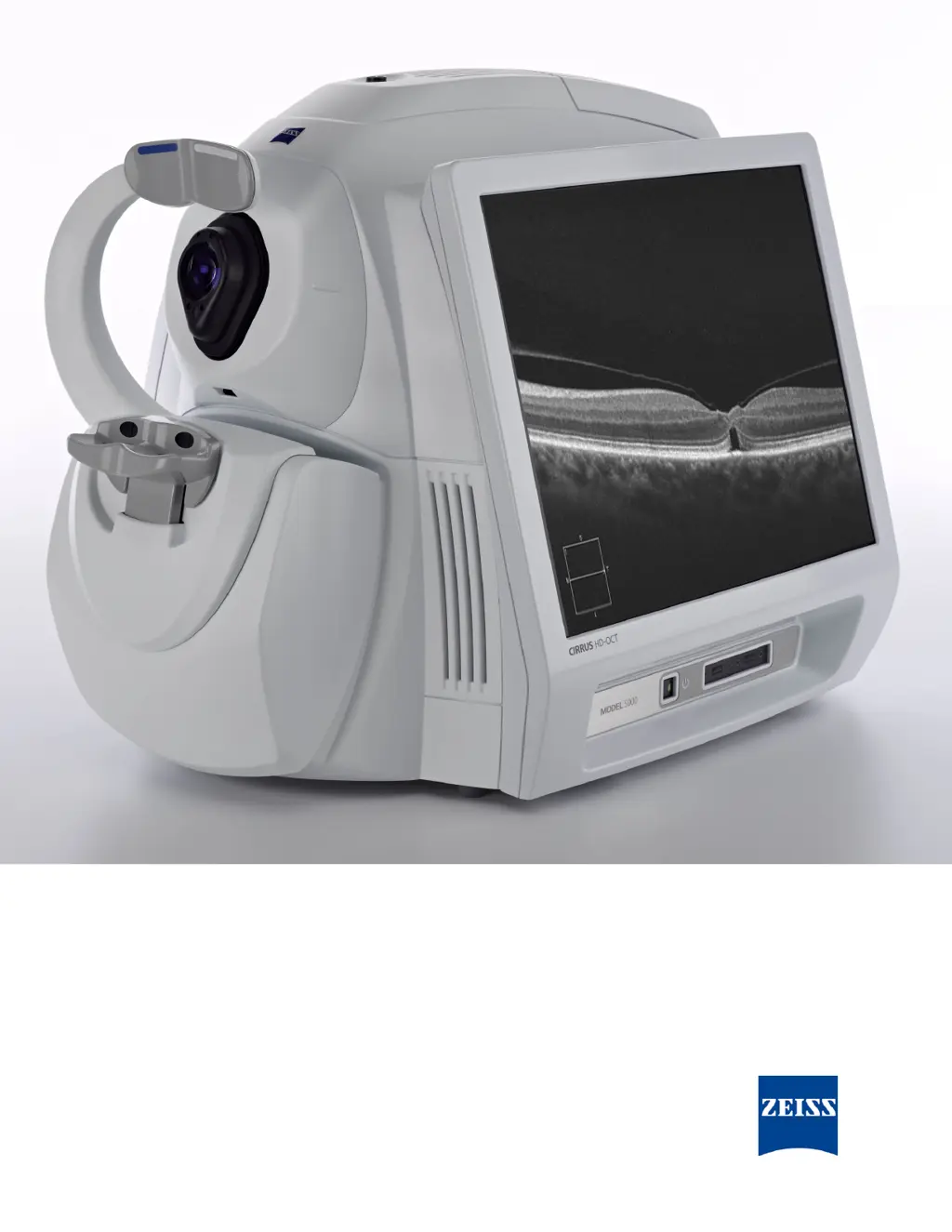
Zeiss CIRRUS HD-OCT 500 - User Manual

Zeiss CIRRUS HD-OCT 500
352 pages
Print Icon
To Next Page IconTo Next Page
Loading...
2660021156446 B2660021156446 B
CIRRUS HD-OCT
User Manual – Models 500, 5000

Table of Contents

Other manuals for Zeiss CIRRUS HD-OCT 500

Questions and Answers

  • M
    Mrs. Emma HernandezAug 4, 2025
    What to do if patient fixation issues occur with Zeiss CIRRUS HD-OCT 500?
    • J
      Jerry ShermanAug 4, 2025
      If patient fixation issues arise, communicate with the patient to ensure they maintain the same fixation position as at the beginning of the scan.
  • S
    Steven CraigAug 11, 2025
    What to do if there is excessive blinking or moving during Zeiss CIRRUS HD-OCT 500 scan?
    • S
      svegaAug 11, 2025
      If excessive blinking or movement occurs, communicate with the patient to reduce these actions during the scan.
  • H
    Hayley EvansAug 18, 2025
    How to center OCT image on Zeiss Diagnostic Equipment?
    • J
      Jessica LucasAug 18, 2025
      If the OCT image is not centered properly and the scan appears too high or low, use the up and down arrows (or mouse wheel) to center the scan within the window.
  • C
    Cynthia OdomAug 27, 2025
    What to do if centering is difficult across all B-scans in a cube with Zeiss CIRRUS HD-OCT 500?
    • T
      Theresa MaddenAug 27, 2025
      If you encounter difficulty centering across all B-scans in a cube due to patient pathologies or anatomical features, cancel the scan. On the Acquire Scan screen, disable the monitoring of the Z position. Then, start a new scan using FastTrac.

Zeiss CIRRUS HD-OCT 500 Specifications

General IconGeneral
BrandZeiss
ModelCIRRUS HD-OCT 500
CategoryDiagnostic Equipment
LanguageEnglish

Related product manuals