32
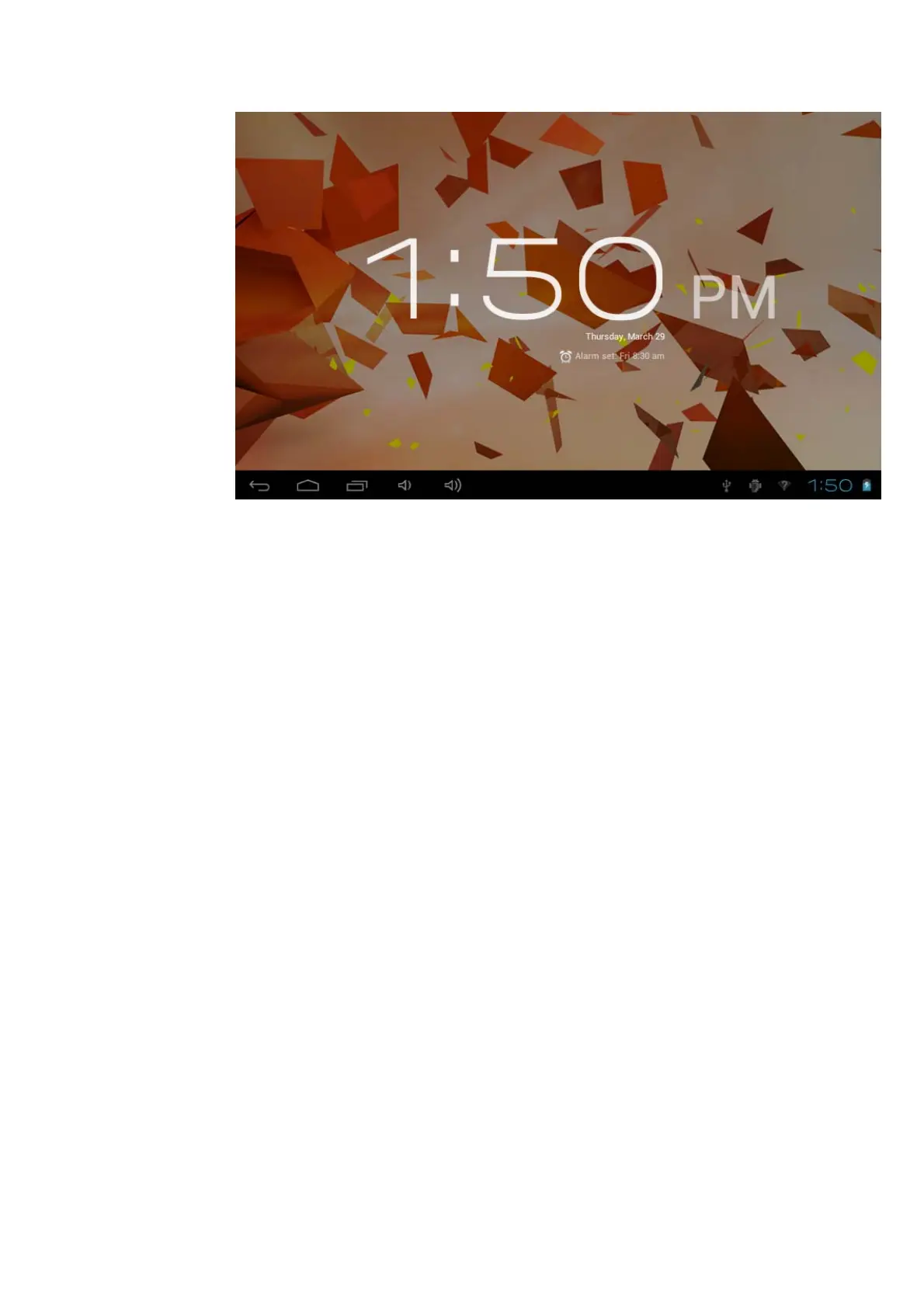
Picture 8-1
8.2 Calculator
1. Click calculator in the application interface.
2. Enter into the basic board of calculator.
3. Click menu key , then click advanced board.
4. Touch the number or operator in the calculator.
5. Operate advanced noard as above operations can switch into basic
board.
Remind: you can left or right silde to switch the basic board and advanced
board.
8.3 File Management
Browse file
You can use file browser edit and delete file and folder. And you can also
build share and FTP servicer to make resources be shared.
SD card read path


 To Next Page