Need help?
Do you have a question about the Zeki TBDV986-1576-01 and is the answer not in the manual?
Details FCC compliance and potential interference issues for digital devices.
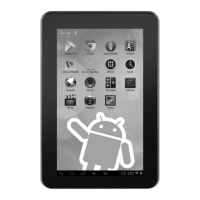
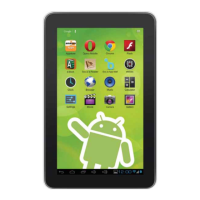
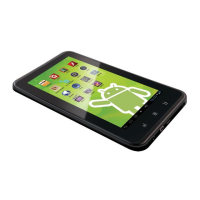
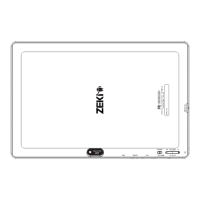
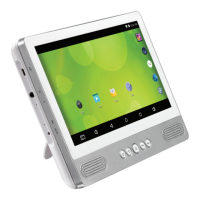
Outlines the key hardware components and features of the ZEKI tablet.
Lists all accessories provided with the ZEKI tablet in the package.
Instructions on how to charge the tablet's battery using AC/DC or car adapters.
Describes basic touch gestures like swipe, tap, hold, and rotate for tablet navigation.
How to manage automatic screen rotation and disable/enable the feature.
Instructions for disabling the lock screen and enhancing tablet security settings.
Steps to enable Wi-Fi and connect to wireless networks or hotspots manually.
How to open the browser, use the search bar, and navigate web pages.
Explanation of browser features like back/forward, refresh, new tabs, and bookmarks.
How to connect the tablet to a PC/Mac via USB for file transfer and other uses.
Instructions for inserting, accessing, and removing an SD card for expanded storage.
Provides website, email addresses, and phone number for customer and parts support.
Information on obtaining warranty details and the latest version of the user's guide.
Links and information for downloading the guide and getting support in multiple languages.

 To Next Page
 General