9
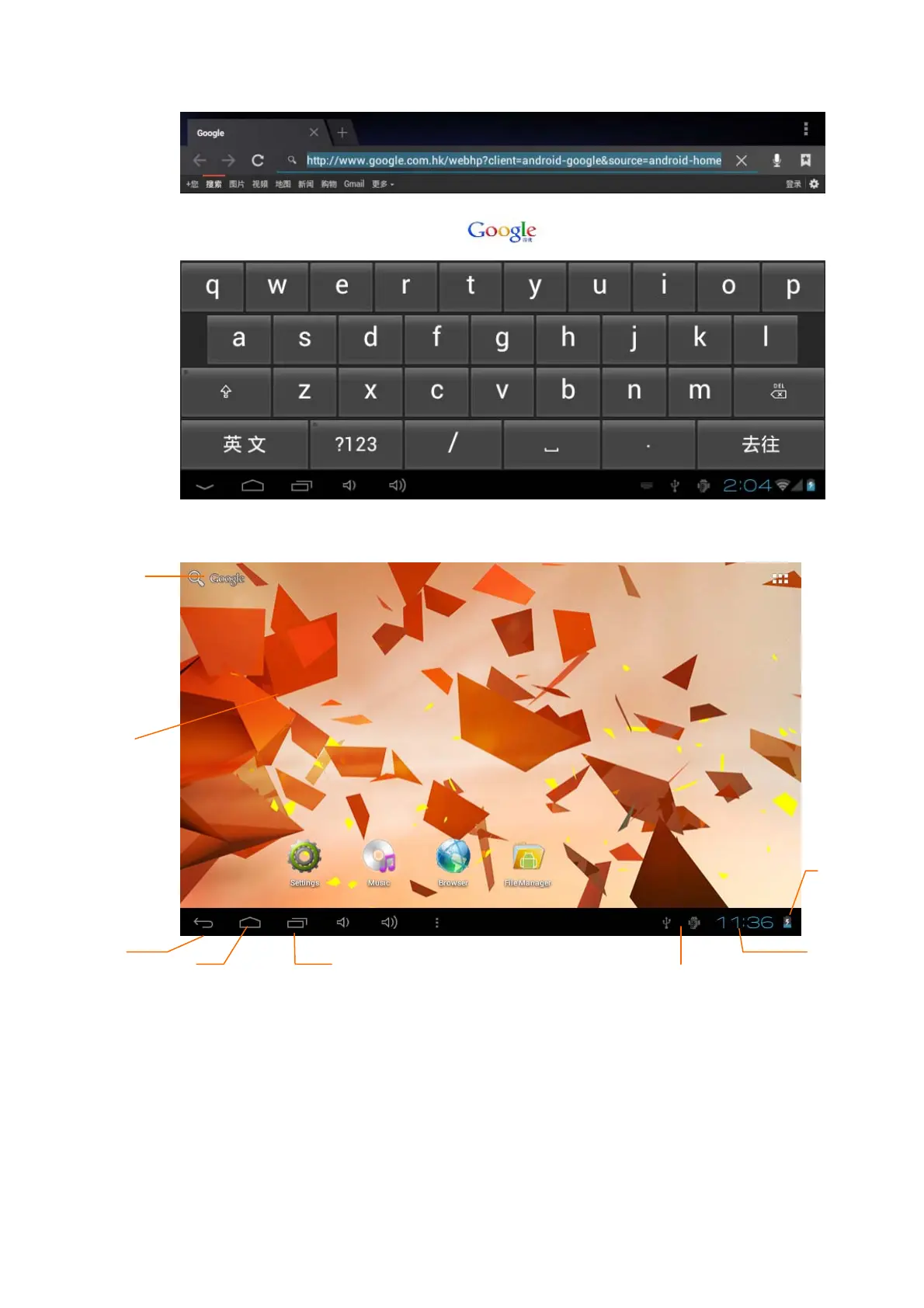
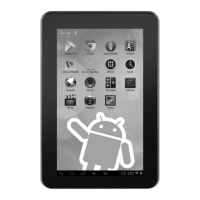
Main menu screen will show all the applications as below Picture 3-4. You can use
applications, shortcut and define your main interface wallpapers.
Picture 3-4
Extensible homepage interface
Homepage will extend to exceed the screen to offer more space, you can place
newly increased shortcuts, widgets. Click the blank space in the homepage, then
slide right and left to move to the right and left of the screen. There are two extended
pictures as Picture 3-5 in the homepage.
Remind
information
Home
Search
Dynamic
wallpaper
Return
key
time
Battery
volume
Menu key


 To Next Page