80 GW34-026_v03
Outline:
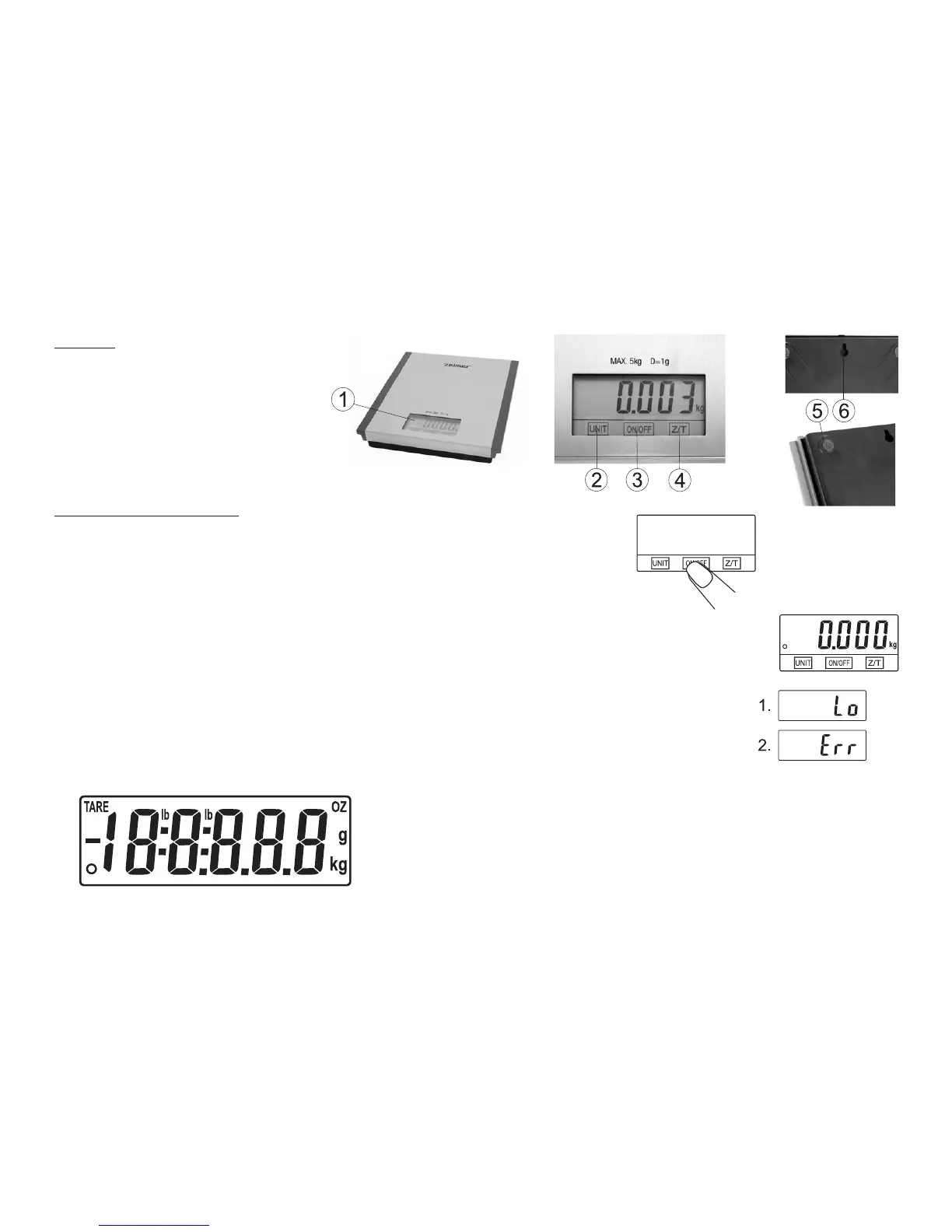
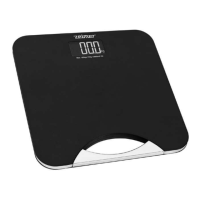
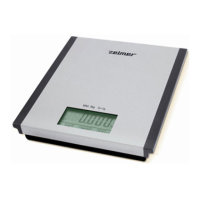
1. Electronic display.
2. UNIT swap function.
3. ON/OFF button.
4. Z/T reset function.
5. Rubber support.
6. Wall hanger.
Handling and operation:
1) Handling
1. Place the scales on rm and at position.
2. Press ON/OFF (3) button to switch the appliance on.
3. Before you start weighting, wait until you can see „0.000” on display.
4. To maximize the duration of batteries, switch off the scales after operation pressing
ON/OFF (3) button.
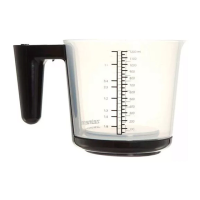
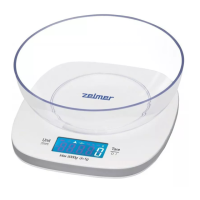
Attention: If you use a bowl for weighting, put it on the scales at rst, and then wait until you can see
„0.000”.
2) Alarm indicators
1. Exchange battery.
2. Scales overloaded. Remove the object to avoid damage. Maximum load (5 kg) is indicated on
the scales.
3) Labels on display
TARE
– Minus value
lb – Pounds
o – Zero weight
g – grams
kg – Kilograms
OZ – Ounces


 To Next Page