EasyManua.ls Logo

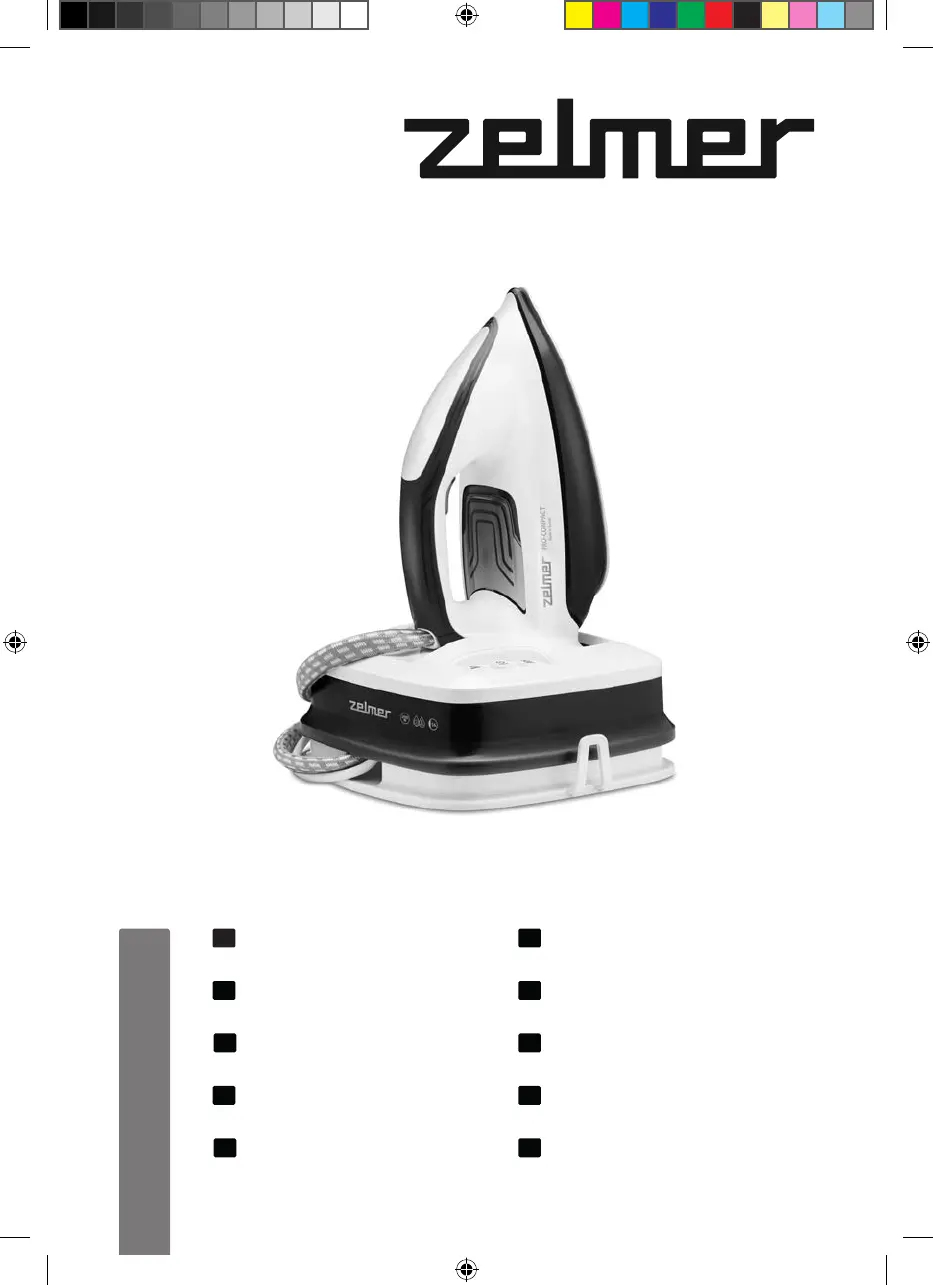
Zelmer ZIS8402 PRO-Compact - User Manual

Zelmer ZIS8402 PRO-Compact
84 pages
Go to English
Print Icon
To Next Page IconTo Next Page
Loading...
ZIS8402 PRO-Compact
INSTRUKCJE UŻYTKOWANIA
Generator pary
ИНСТРУКЦИЯ ПО ПРИМЕНЕНИЮ
Паровая станция
VOD K POUŽITÍ
Parní stanice
ИНСТРУКЦИИ ЗА УПОТРЕБА
Парна станция
NAVODILA ZA UPORABO
Parná stanica
ІНСТРУКЦІЯ ПО ЗАСТОСУВАННЮ
Праска з парогенератором
USER MANUAL
Steam station
BENUTZERHANDBUCH
Dampfstation
HASZNÁLATI UTASÍTÁS
Gőzállomás
INSTRUCȚIUNI DE UTILIZARE
Stație de călcat cu aburi
PL
EN
DE
CZ
SK
HU
RO
RU
UA
BG
ZIS8402 PRO-Compact

Table of Contents

Questions and Answers

  • K
    Kimberly HernandezAug 6, 2025
    How to fix a Zelmer ZIS8402 PRO-Compact that does not produce steam?
    • C
      Casey HesterAug 7, 2025
      If your Zelmer Iron is not producing any steam during first use, it is possible that water has not completely filled the hose. To fix this, press and hold the steam release button until steam comes out. Also, the descaling process may not have been completed, in this case the “Calc’nClean” indicator light will flash. Perform a cleaning cycle referring to the “Descaling process” section.
  • H
    hoganteresaAug 11, 2025
    How to reduce excessive steam from my Zelmer Iron?
    • K
      kristenriosAug 11, 2025
      If there is too much steam coming out of your Zelmer Iron, the BOOST mode is likely turned on. To reduce the steam, activate the normal mode by pressing the “ECO/BOOST” button.
  • S
    Shawn Thomas MDAug 15, 2025
    Why is dirt coming out of my Zelmer ZIS8402 PRO-Compact Iron's soleplate?
    • K
      Kelly JacksonAug 15, 2025
      If dirt comes out through the soleplate of your Zelmer Iron, it indicates a build-up of lime scale or minerals. To resolve this, carry out a cleaning cycle as described in the “Descaling process” section of the manual. Also, this can happen if chemical products or additives have been used in the iron. Never add products to the water. Clean the soleplate with a damp cloth.
  • M
    Mr. Lucas Russell IVAug 19, 2025
    What to do if the “Calc’nClean” indicator light (1) does not turn off on my Zelmer Iron?
    • J
      Jeffrey BrennanAug 20, 2025
      If the “Calc’nClean” indicator light on your Zelmer Iron does not turn off, it means the iron descaling process was stopped before completion. To resolve this, restart and complete the iron descaling process.
  • M
    Martin SanchezAug 25, 2025
    Why does my Zelmer ZIS8402 PRO-Compact smoke when I turn it on for the first time?
    • V
      Veronica BrownAug 25, 2025
      If your Zelmer Iron begins to smoke when switched on for the first time, don't worry. Certain components on the appliance have been lightly greased at the factory and may produce a small amount of smoke when initially heated. This is completely normal and will stop after a short while.
  • J
    Justin OsbornAug 28, 2025
    Why does my Zelmer ZIS8402 PRO-Compact Iron make a pumping sound?
    • J
      Jill RussellAug 28, 2025
      If your Zelmer Iron is making a pumping sound, it is typically normal. This sound occurs because water is being pumped into the iron. However, also ensure that the water tank is not empty. If it is, fill the water tank.
  • S
    Sharon MayerSep 1, 2025
    Why is my Zelmer Iron producing little steam?
    • S
      sabrinagutierrezSep 2, 2025
      If your Zelmer Iron produces little steam, especially after being recently switched on, it's normal. The iron produces steam gradually until it is stabilized.

Zelmer ZIS8402 PRO-Compact Specifications

General IconGeneral
Power2400 W
Steam output40 g/min
Water tank capacity300 ml
Soleplate materialCeramic
Vertical steamYes
Anti-drip systemYes
Self-cleaning functionYes
Iron typeSteam iron
Anti-calc systemYes
Spray functionYes
Auto shut-offYes

Related product manuals