4
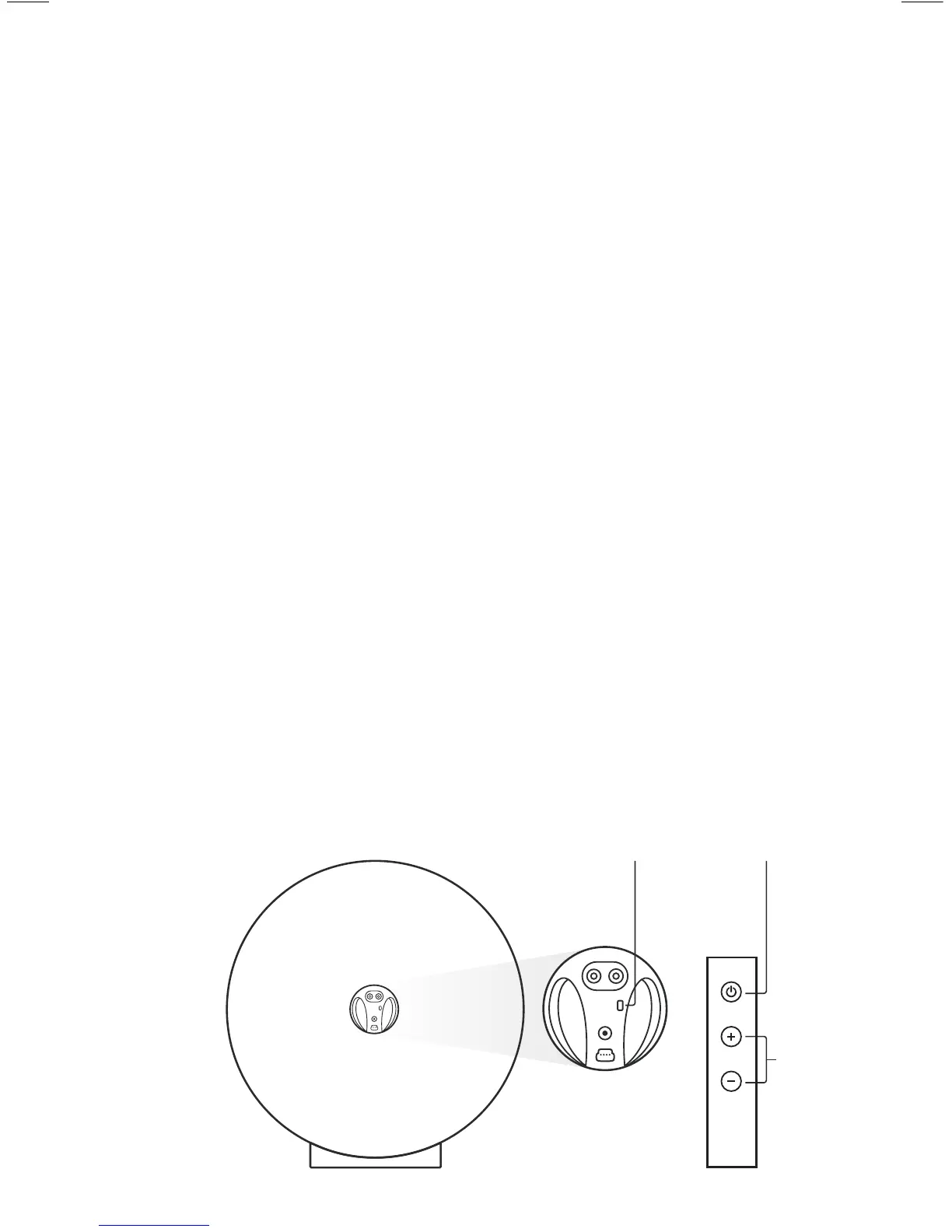
Power
On/O
Remote
On/O
Zemi Aria
(rear)
Vol.
Speaker set up
1 Place Zemi Aria securely on the circular base (the front
of the base is marked with a dot, align this with the front of
the speaker).
2 Plug the power cable into the back of Zemi Aria, then into
the wall outlet (the bottom LED will show orange indicating
standby mode).
3 Power on by pressing the power button on the back of the
Zemi Aria or on the remote control (LEDs will ash rapidly
then stop ashing, indicating completion of the power on cycle).
ZA_Manual_V1_EN_FR_AW.indd 4 16/11/15 5:08 pm



 To Next Page