BASIC OPERATION
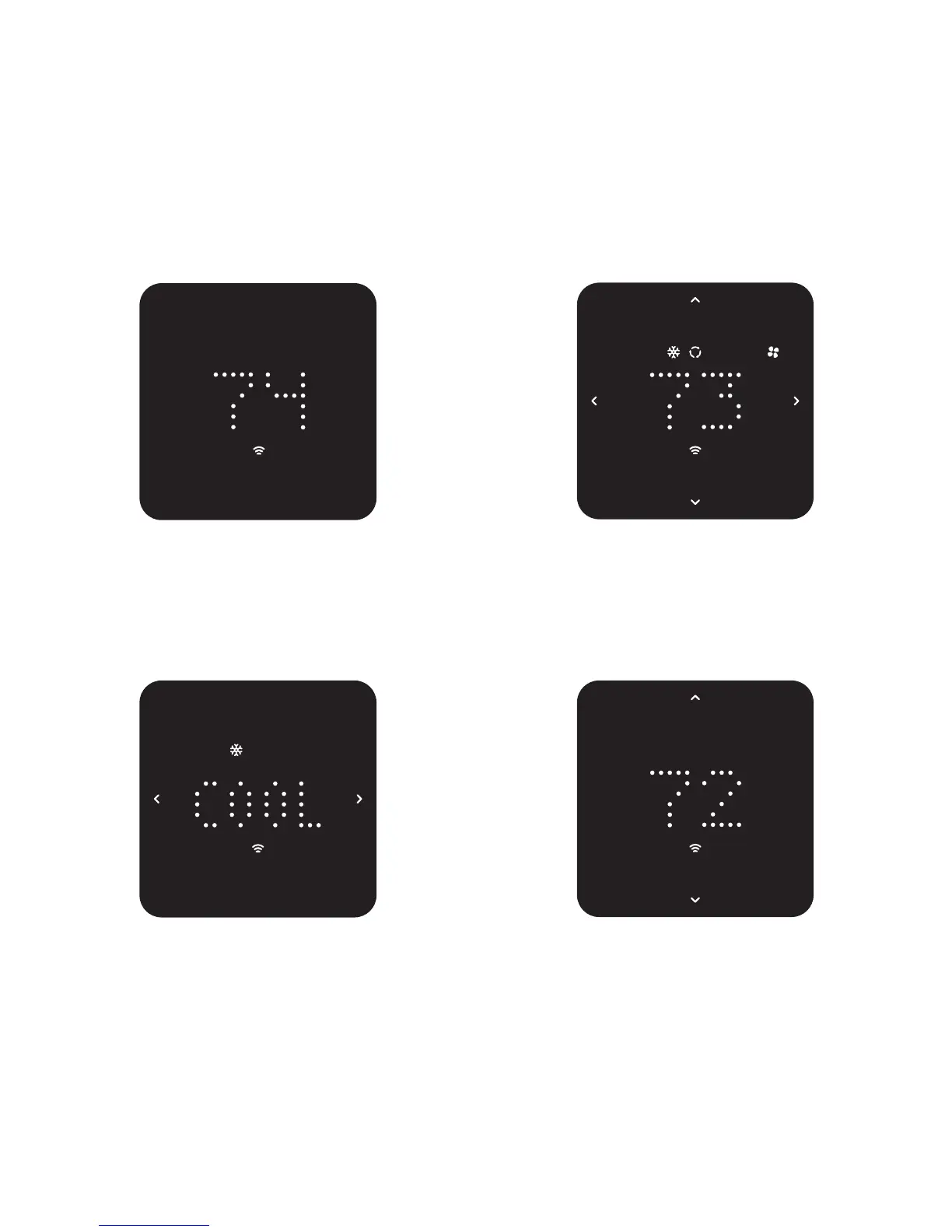
Center touch to wake.
Display shows current ambient
temperature.
Center touch again.
Display shows current set point
temperature.
Touch left or right to select
operating modes. Center touch
to confirm your selection.
Touch up or down to change the
set point temperature. Center
touch to confirm your selection.



 To Next Page