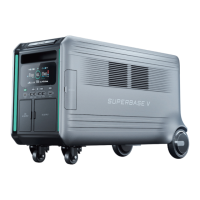
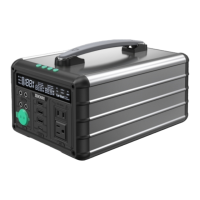
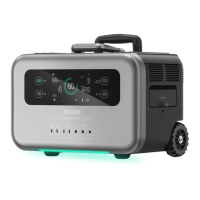
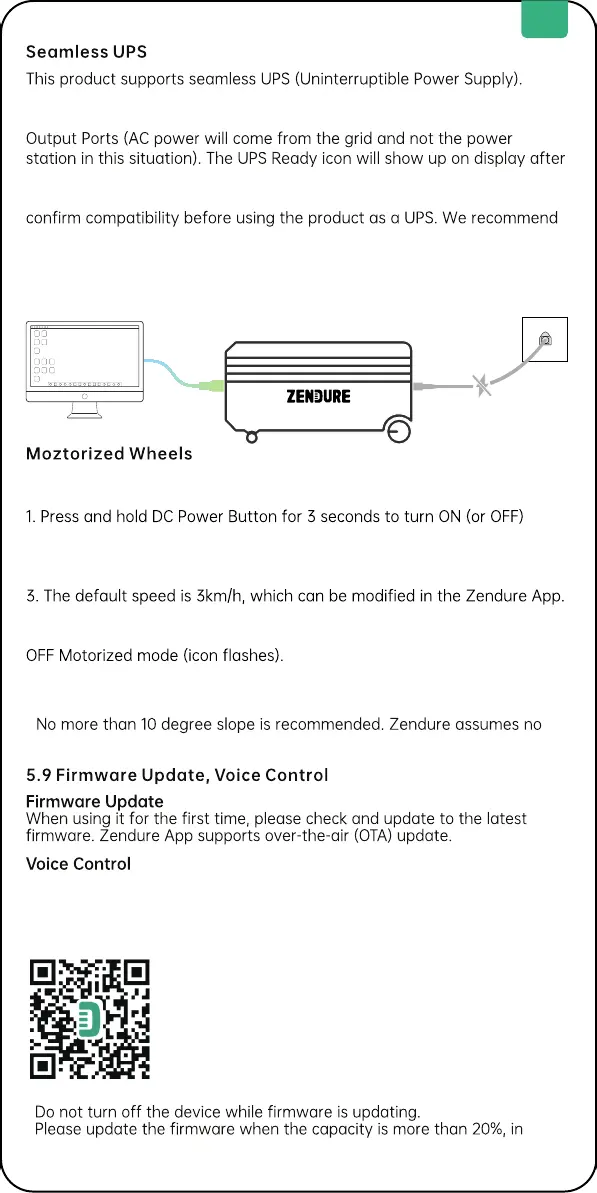
When you connect the grid power to the AC Input Port of the product
through an AC cable, you can power electrical devices through the AC
connection. In case of a sudden blackout, the product can automatically
switch to the battery-powered supply mode within 13ms, Please test and
that you only charge one device at a time and avoid using multiple
devices simultaneously to avoid triggering overload protection. Zendure
assumes no responsibility for any device failures or data losses caused by
misuse of this product.
Tips:
.
Keep out of reach of children and pets.
.
responsibility for any accidents by misuse of the motorized wheels.
SuperBase V is easy to integrate with your existing Google or Alexa voice
assistant.
Read the Zendure App user guide and access the download link here:
https://zendure.com/pages/download-center
Tips:
.
.
order to have enough power to complete the update.
Privacy Policy
By using Zendure Products, Applications and Services,
you consent to the Zendure Terms of Use and Privacy
Policy, which you can access via the "About" section of
the "User" page in the Zendure App.
SuperBase V’s rear wheels are motorized to help lighten the load. Pull the
handle and move it even on inclined surfaces.
Motorized mode.
2. Trigger the motorized wheels by pulling to get them rotating for 3
seconds.
4. You can stop the motorized wheels by blocking it for 3 seconds.
Once you turn on AC or DC outputs or there is any recharging, it will turn
EN
9


 To Next Page
 Loading...