EasyManua.ls Logo

Zenit 12 - Page 13

Zenit 12
28 pages
Print Icon
To Next Page IconTo Next Page
To Previous Page IconTo Previous Page
Loading...
Using
the
Meter
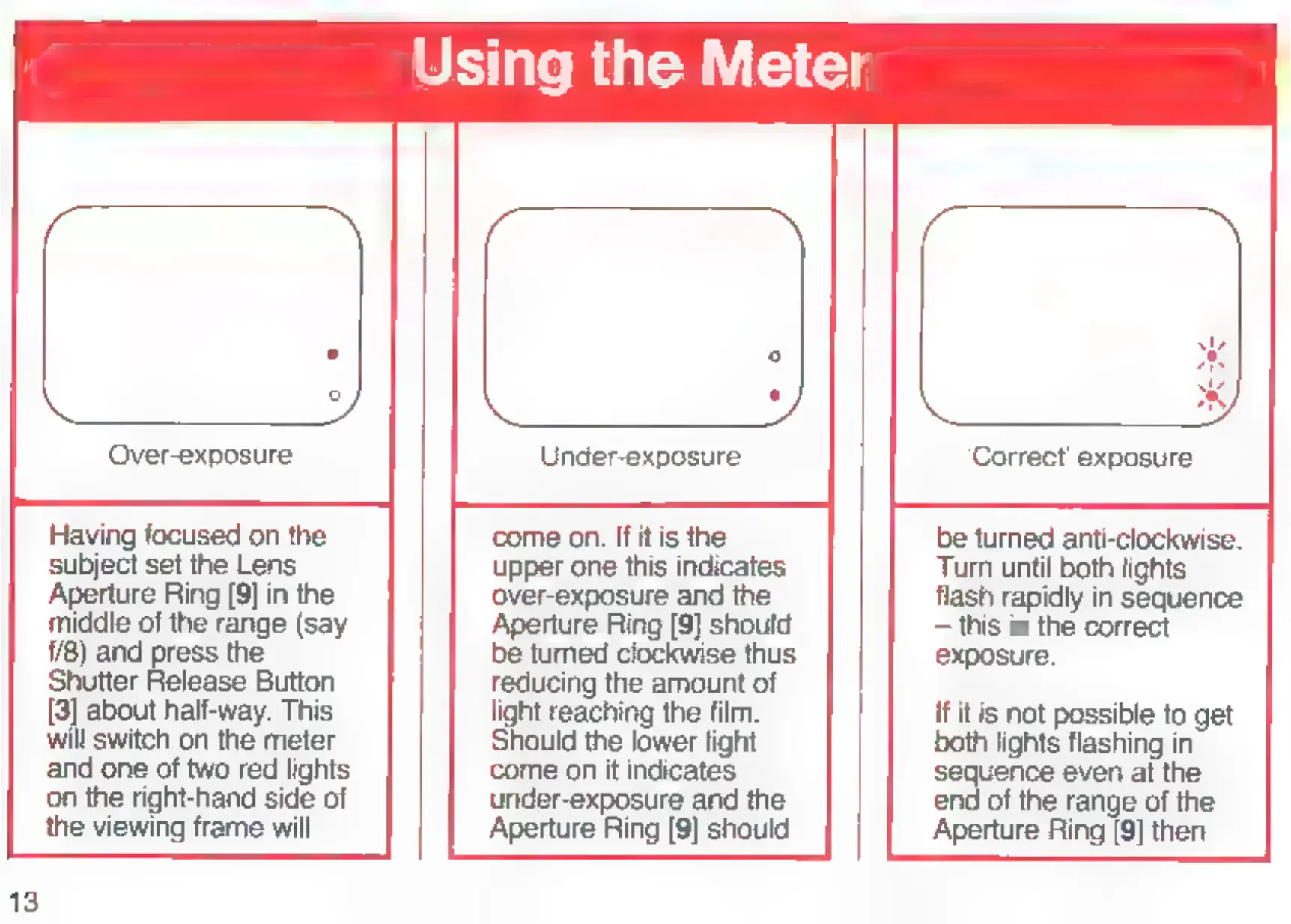
Over-exposure
Under-exposure
Correct
exposure
Having
focused
on
the
come
on.
If
it
is
the
be
turned
anti-clockwise.
Subject
set
the
Lens
upper
one
this
indicates
Turn
until
both
lights
Aperture
Ring
[9]
in
the
over-exposure
and
the
flash
rapidly
in
sequence
middle
of
the
range
(say
Aperture
Ring
[9]
should
this
is
the
correct
1/8)
and
press
the
be
turned
clockwise
thus
exposure.
Shutter
Release
Button
reducing
the
amount
of
[8]
about
half-way.
This
light
reaching
the
film.
If
it
is
not
possible
to
get
will
switch
on
the
meter
Should
the
lower
light
both
lights
flashing
in
and
one
of
two
red
lights
come
on
it
indicates
sequence
even
at
the
on
the
right-hand
side
of
under-exposure
and
the
end
of
the
range
of
the
the
viewing
frame
will
Aperture
Ring
[9]
should
Aperture
Ring
[9]
then

Related product manuals