EasyManua.ls Logo

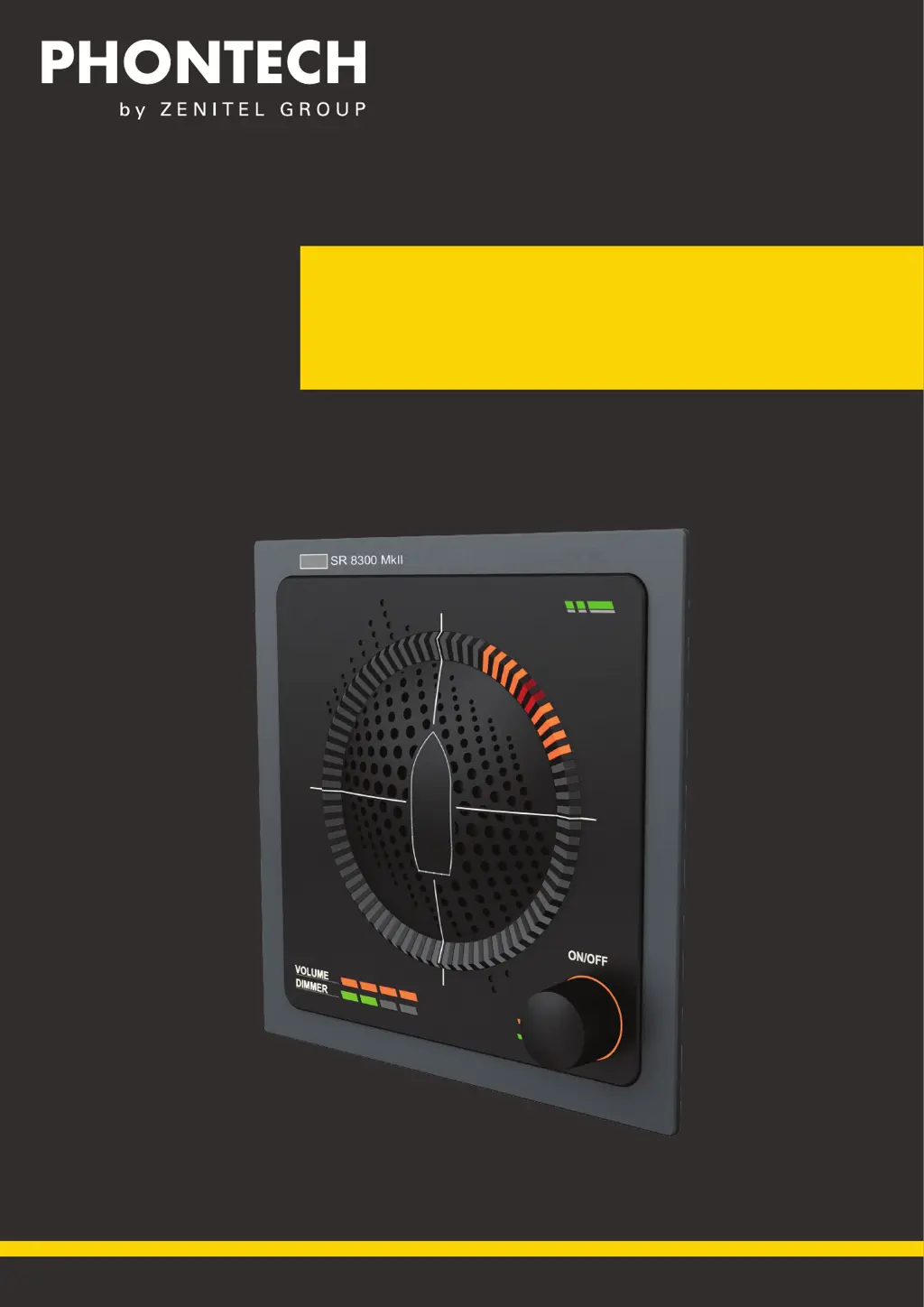
Zenitel PHONTECH SR 8300 MkII - User Manual

Zenitel PHONTECH SR 8300 MkII
42 pages
Print Icon
To Next Page IconTo Next Page
Loading...
USER MANUAL
8300 MkII Sound Reception System
MARITIME: COMMUNICATION SYSTEMS

Questions and Answers

  • E
    Elizabeth MasonAug 3, 2025
    What to do if Zenitel PHONTECH SR 8300 MkII fails to detect a foghorn?
    • W
      wrightelizabethAug 3, 2025
      If your Zenitel Marine Equipment fails to detect a foghorn, check for any microphone surveillance failure messages in the web interface. You can also try adjusting the signal to noise ratio setting in the web interface or perform a factory reset.
  • D
    davisjamesAug 13, 2025
    How to fix Zenitel PHONTECH SR 8300 MkII microphone surveillance failure?
    • D
      Deanna CollinsAug 13, 2025
      If you are experiencing a microphone surveillance failure with your Zenitel Marine Equipment, start by checking the cabling to the microphone unit. If the cabling is fine, restart or acknowledge the error message in the web interface. Also, inspect the unit for any physical obstructions of the failing microphone. If you don't find any visible obstructions, contact Zenitel for support.
  • E
    Eric KochAug 25, 2025
    What to do if Zenitel PHONTECH SR 8300 MkII Marine Equipment display unit fails to boot?
    • S
      Scott MaddoxAug 25, 2025
      If the display unit of your Zenitel Marine Equipment fails to boot, press and hold the reset button at the back of the display unit for 10 seconds. If the firmware starts the unit properly, do a firmware upgrade to ensure the primary firmware is not corrupt.

Summary

Product Description

System Description

Technical Specifications

Product Specification P-8300 MkII Display Unit

Technical specifications for the P-8300 MkII Display Unit, including power, dimensions, and interfaces.

Product Specification P-8301 MkII Microphone Unit

Technical specifications for the P-8301 MkII Microphone Unit, covering supply voltage, dimensions, and ingress protection.

Product Specification Junction Box

Technical specifications for the optional Junction Box, including dimensions and environmental ratings.

Installation

P-8301 MkII Microphone Unit

Instructions for mounting the P-8301 MkII microphone unit in appropriate locations.

P-8300 MkII Display Unit

Steps for mounting the P-8300 MkII display unit into a console or structure.

Electrical Connections

Guidelines for wiring and connecting the microphone, display, and junction box.

Operating Instructions

Operational Modes

Explanation of the unit's various operational modes and how to switch between them.

Network Operations

Details on network communication, supported sentences, and data rates.

Detecting a Sound Signal

Process of how the unit detects, determines direction, and displays sound signals.

Adjusting Volume and Lighting

Procedures for adjusting audio volume and display LED intensity.

Web Interface

Guide to accessing and configuring the unit via its web interface.

Testing

Calibration and Testing

Method for testing the unit's operational functionality using a foghorn.

Maintenance

Firmware Update

Procedure for updating the unit's firmware via the web interface.

Factory Reset

Procedure for restoring the unit to its factory default settings.

Reboot System

Instructions on how to reboot the system through the web interface.

Test and Maintenance Records

Troubleshooting

Microphone Surveillance Failure

Troubleshooting steps for issues related to microphone surveillance.

LED Surveillance Failure

Troubleshooting steps for problems indicated by LED failures.

Foghorn Detection Failure

Troubleshooting steps for issues where the unit fails to detect foghorns.

Display Unit Boot Failure

Troubleshooting steps for the display unit failing to start up.

Zenitel PHONTECH SR 8300 MkII Specifications

General IconGeneral
CategoryMarine Equipment
ModelSR 8300 MkII
Protection RatingIP66
Operating Temperature-25°C to +55°C
Voltage Range24V DC
Weight2.5 kg
Housing MaterialAluminum

Related product manuals