CHANNEL LIST
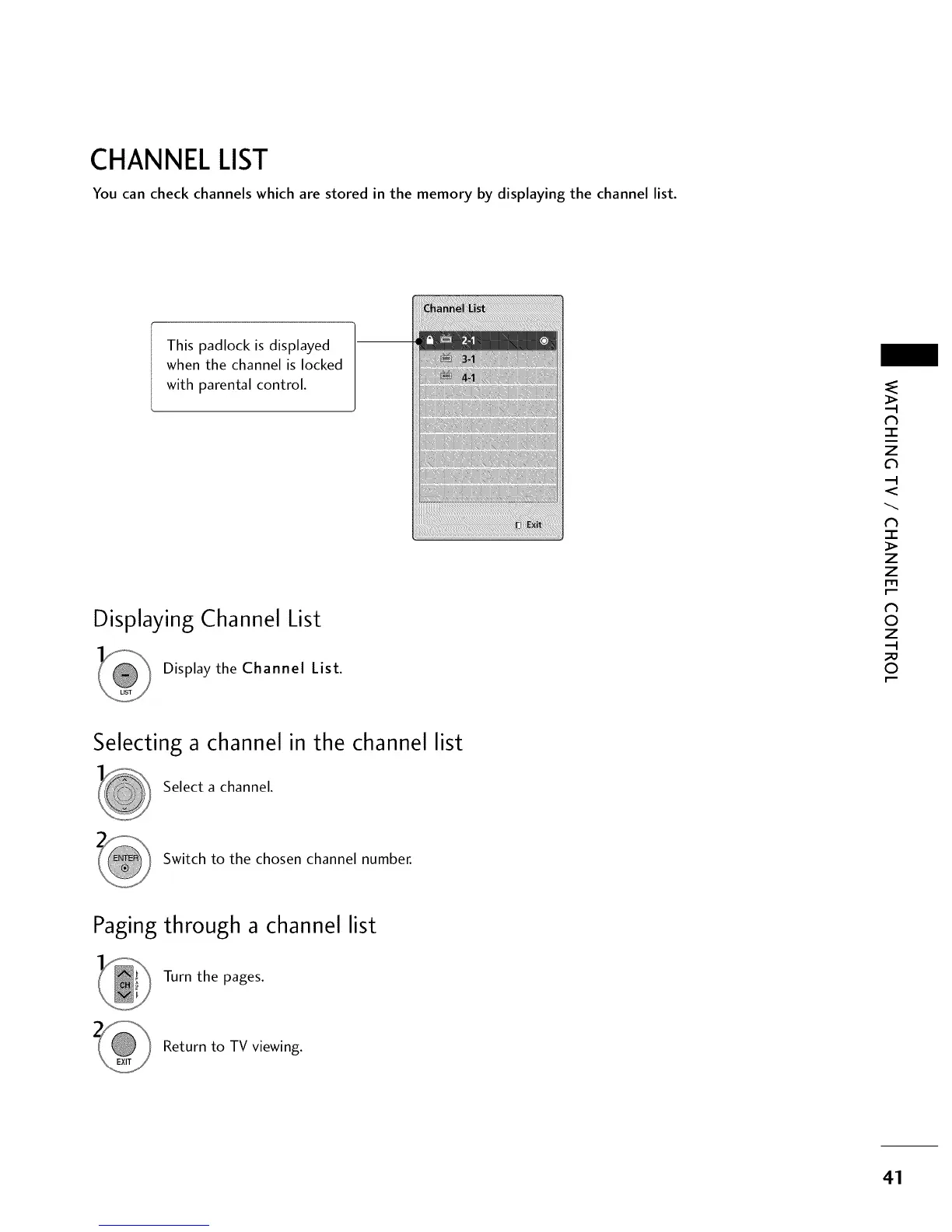
You can check channels which are stored in the memory by displaying the channel list.
This padlock is displayed
when the channel is locked
with parental control.
Displaying Channel List
Display the Channel List.
TT T TTT
"-r"
z
<
N
-r
>
Z
Z
fT1
N
©
Z
©
Selecting a channel in the channel list
Select a channel.
Switch to the chosen channel number.
Paging through a channel list
Turn the pages.
Return to TV viewing.
41



 To Next Page