Meter Mist 3000
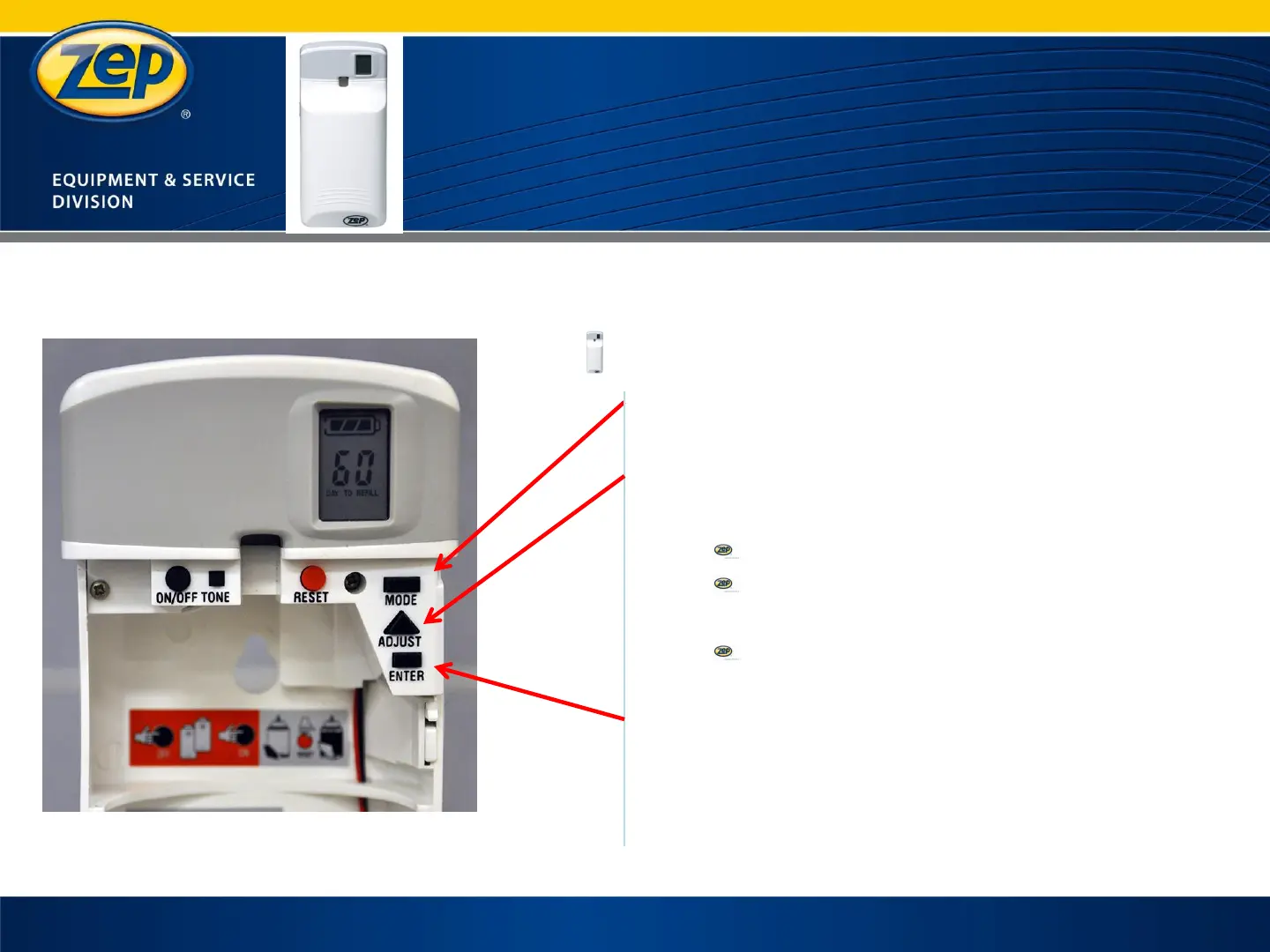
Select
Actual time setting
Press the “MODE” button a second
time
Press the “ADJUST” button until
desired time is displayed
Advances by 10 minute intervals
Press and hold the adjust button
to fast forward time
Watch for AM / PM indicator when
setting
Press the “ENTER” button to save
your setting
25


 To Next Page