Features & Controls – User Interface
12
www.zephyronline.com
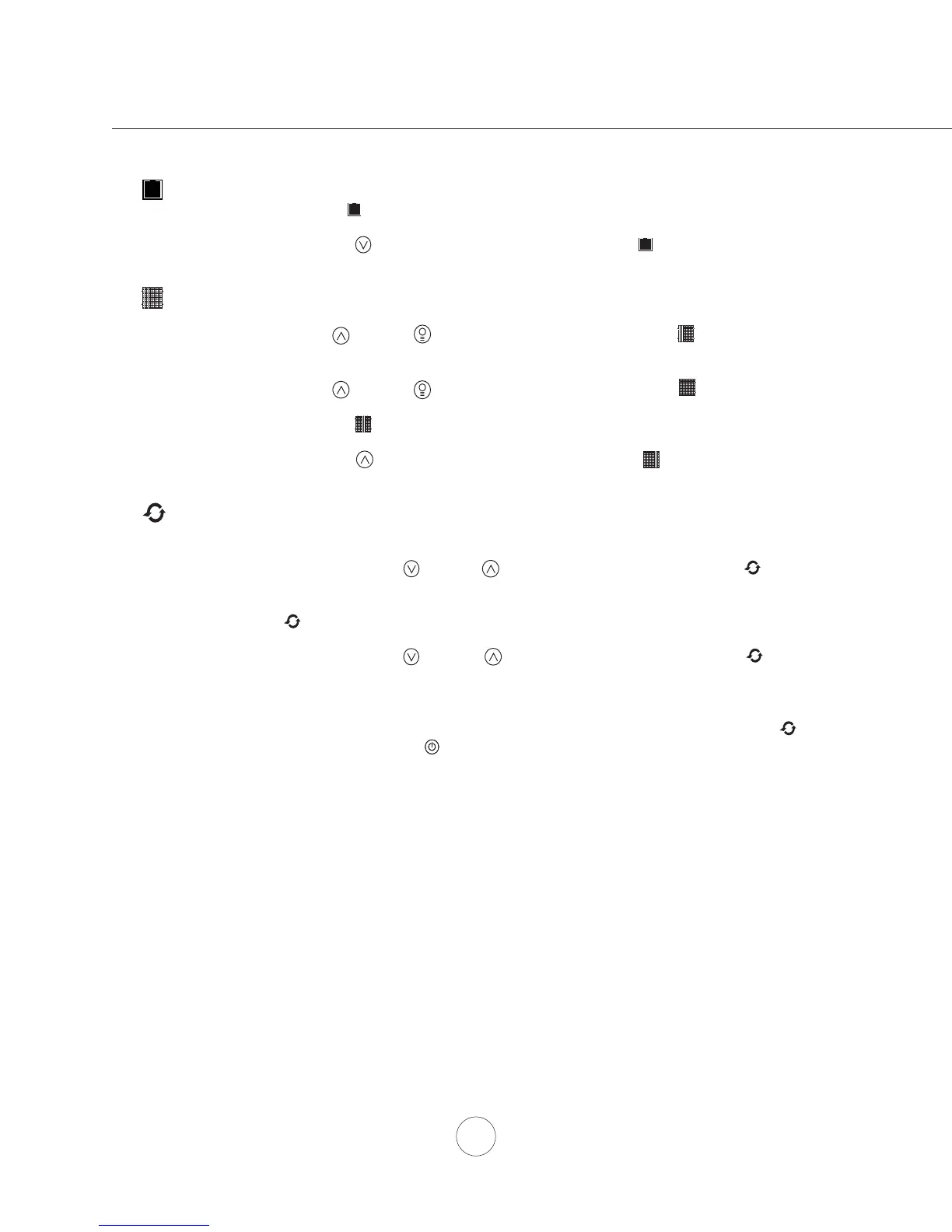
Mesh Filter Clean Indicator (always enabled)
- After 30 hours of fan usage the Graphic and words “
clean mesh filter” will illuminate indicating it is time to clean
the mesh filters. Graphic and words will remain illuminated until reset.
- To reset: With hood off, hold the Button for three seconds, after three seconds the Graphic and words “
clean mesh
filter
” will turn off and the 30 hour timer will reset.
Charcoal Filter Replace Indicator (disabled by default, must be enabled if recirculating hood)
- To enable Charcoal Filter Replacement Function:
- With hood off, hold Button and Button simultaneously for three seconds. The Graphic will illuminate for
three seconds indicating the Charcoal Filter Replacement Function is enabled.
- To disable Charcoal Filter Replacement Function:
- With hood off, hold Button and Button simultaneously for three seconds. The Graphic will be
illuminated then turn off indicating the Charcoal Filter Replacement Function is disabled.
- After 120 hours of fan usage the Graphic and words “
replace charcoal filter” will illuminate indicating it is time to
replace the charcoal filter. Graphic and words will remain illuminated until reset.
- To reset: With hood off, hold the Button for three seconds, after three seconds the Graphic and words “
replace
charcoal filter
” will turn off and the 120 hour timer will reset.
Clean Air Indicator
- Clean Air is a feature that turns the fan on every 4 hours for 10 minutes to remove stagnant air in the kitchen.
- To enable Clean Air Function:
- With hood off, hold the Button and Button simultaneously for three seconds. The Graphic and
words “
clean air” will illuminate and the fan will turn on speed 1 for 10 minutes. After 10 minutes the fan
will turn off and the 4 hour timer will begin.
- Graphic will remain on when Clean Air Function is enabled, even if fan is not on.
- To disable Clean Air Function:
- With hood off, hold the Button and Button simultaneously for three seconds until Graphic
turns off.
- When the Clean Air Function is enabled the fan will turn on speed 1 for 10 minutes every 4 hours of non fan usage. After 10
minutes the fan will turn off and the 4 hour timer will reset.
- If the user changes the fan speed while the Clean Air Function is in use, the words “
clean air” will turn off but the Graphic
will remain illuminated. If the user presses the Button at any time the 4 hour clean air timer will reset.



 To Next Page
 Loading...