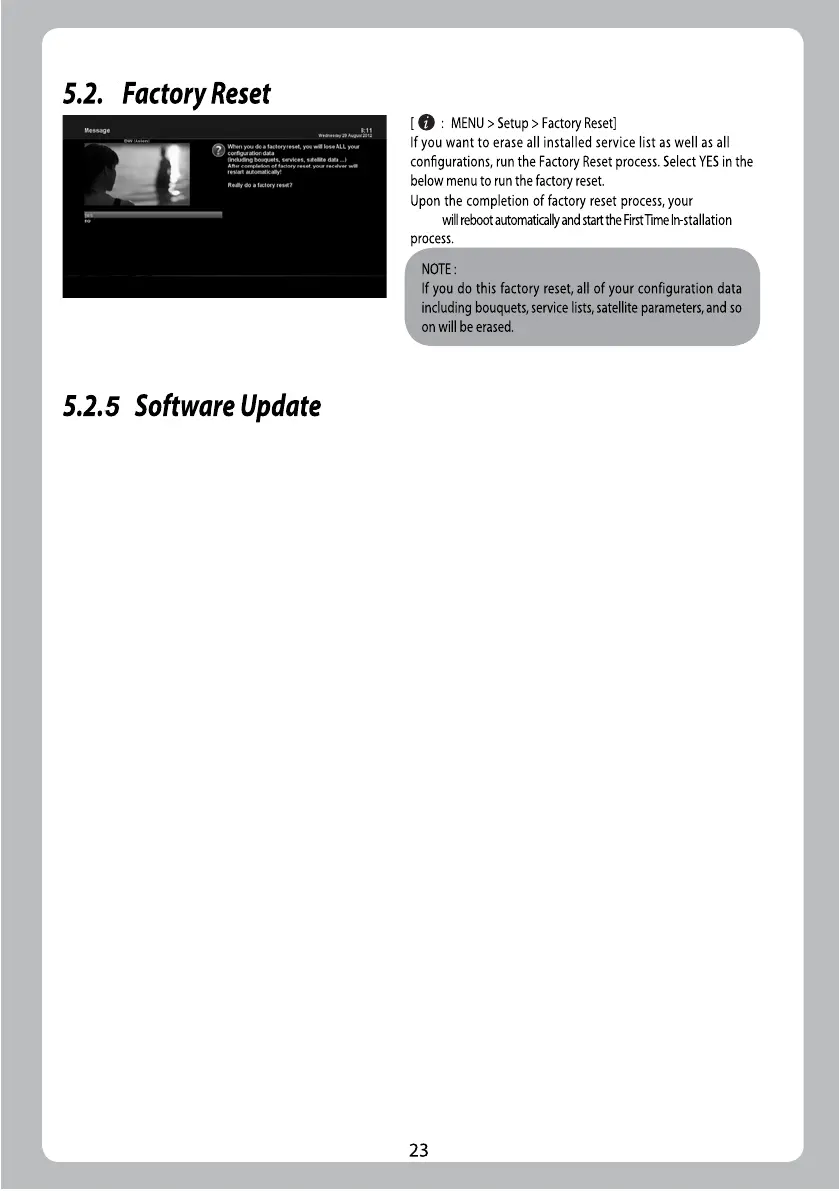
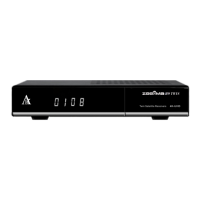
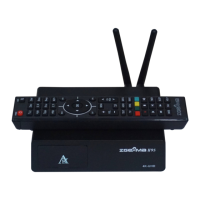
ZGEMMA
H9S
4
1.Download new software file from http://www.zgemma.tv
2.Decompression file to your usb stick root directory
3.Place usb sitck to your box rear panel slot
4.Press the reset key power on your box
5.After power on your box 1-3 second, release reset key now. Then the logo led
will flash in white and red color, there are about 1 minutes the box will auto restart.


 To Next Page