EasyManua.ls Logo

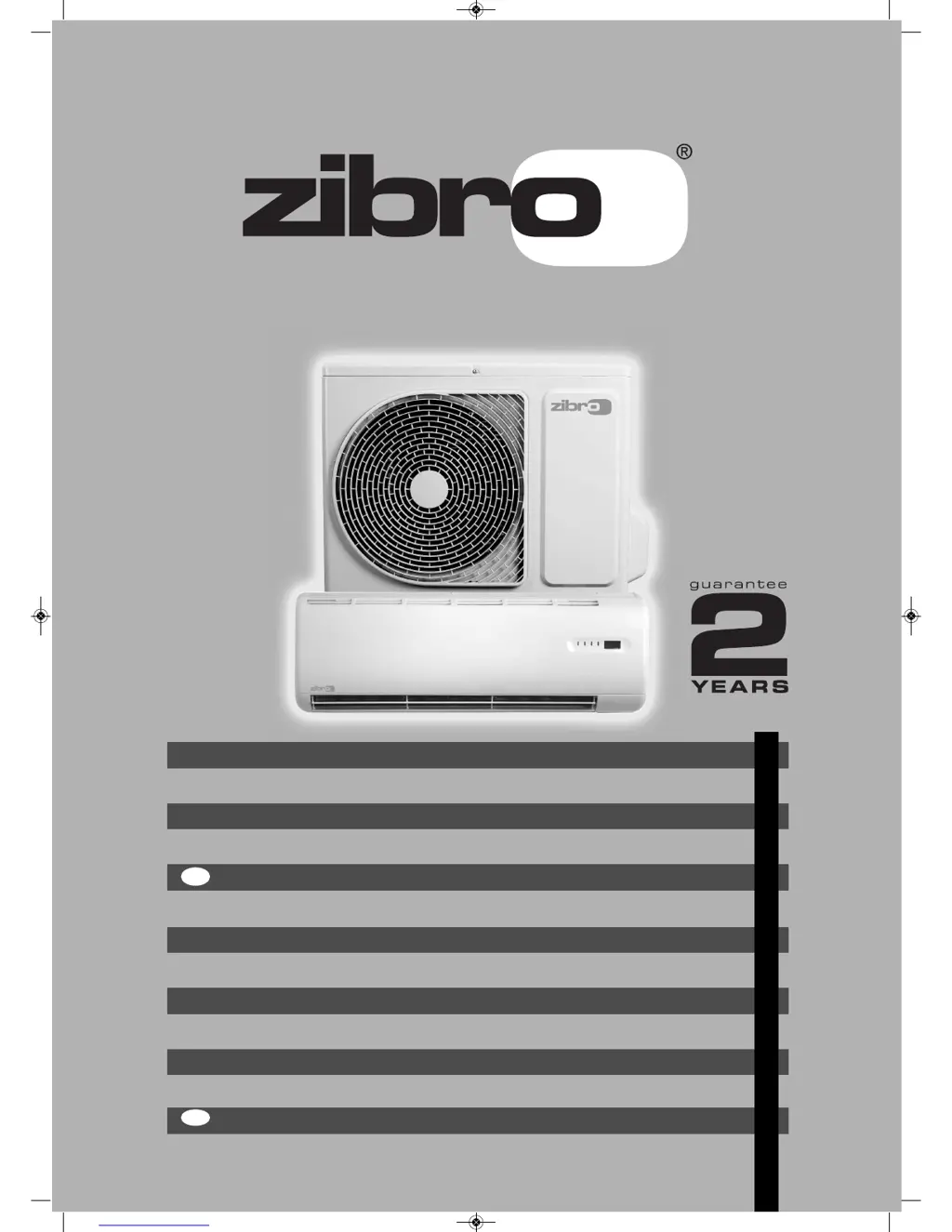
Zibro SC 3032 - User Manual

Zibro SC 3032
296 pages
Go to English
Print Icon
To Next Page IconTo Next Page
Loading...
S30xx - SC30xx
2
6
5
3
4
FIN
GEBRAUCHSANWEISUNG
BRUGSANVISNING
INSTRUCCIONES DE USO
MANUEL D'UTILISATION
YTTÖOHJE
OPERATING MANUAL
>
u
1
:
=
y
TR
ISTRUZIONI D’USO
BRUKSANVISNING
GEBRUIKSAANWIJZING
INSTRUKCJA OBS UGI
BRUKSANVISNING
NAVODILA ZA UPORABO
KULLANIM KILAVUZU
2
24
46
68
90
112
134
156
178
200
222
244
266
man_S(C)30xx_man_S18xx 12-11-10 19:14 Pagina 1

Other manuals for Zibro SC 3032

Questions and Answers

  • S
    Stacey JenningsAug 10, 2025
    Why my Zibro SC 3032 Air Conditioner does not start?
    • F
      Frances MooreAug 10, 2025
      If your Zibro Air Conditioner isn't starting, here's what you can check: * **Power Cut:** Wait for the power to be restored. * **Unplugged Unit:** Ensure the plug is securely in the wall receptacle. * **Blown Fuse:** Replace the fuse, reset the relay, or reset the circuit breaker. * **Remote Battery:** Replace the battery in the remote controller. * **Remote Distance/Obstacles:** Shorten the distance between the remote and the unit (less than 6-7 meters), remove any obstacles, and aim the remote directly at the receiver on the indoor unit. * **Incorrect Timer Setting:** Wait or cancel the timer setting.
  • M
    Melissa TaylorAug 20, 2025
    What to do if Zibro SC 3032 is not cooling properly?
    • D
      deborah00Aug 21, 2025
      If your Zibro Air Conditioner isn't cooling or heating the room effectively, despite airflow, consider these possible causes: * **Inappropriate Temperature Setting:** Adjust the temperature to the correct setting. * **Blocked Air Filter:** Clean the air filter. * **Open Doors/Windows:** Close any open doors or windows in the room. * **Blocked Air Inlet/Outlet:** Clear any obstructions from the air inlet or outlet of the indoor or outdoor unit, then restart the unit. * **Compressor Delay:** Wait, as the compressor may be in a 3-minute delay protection mode.
  • A
    Amber AlvarezAug 30, 2025
    Why TEMP. indicator is not shown on Zibro SC 3032?
    • R
      Robert TorresAug 30, 2025
      The temperature indicator on your Zibro Air Conditioner won't be displayed if the unit is in FAN mode. Temperature settings are not available in FAN mode.

Summary

Safety Instructions

Part Names

Operation with Remote Control

Remote Controller Buttons

Details the function of each button on the remote control.

Adjusting Air Flow Direction

Maintenance

Cleaning Indoor Unit and Remote

Instructions for cleaning the main unit and its remote control.

Cleaning Air Filters

Steps and frequency for cleaning or replacing air filters.

Operation Tips

Trouble Shooting Tips

Unit Does Not Start

Solutions for when the air conditioner fails to start.

Poor Cooling or Heating Performance

Troubleshooting steps for reduced cooling or heating efficiency.

Fan Speed Adjustment Issues

Reasons why fan speed cannot be changed and solutions.

Guarantee Conditions

Technical Data

Zibro SC 3032 Specifications

General IconGeneral
RefrigerantR410A
TimerYes
Product colourWhite
Power Consumption (Heating)1100 W
TypeSplit Air Conditioner
Cooling power3200 W
Air flow (high speed)500 m3/h
Timer duration24 hours
FunctionsCooling, Dehumidifying
Air Flow (High)500 m3/h
Operating Temperature (Cooling)18°C to 43°C

Related product manuals