Mainboard User's Manual Page 29Page 28 Mainboard User's Manual
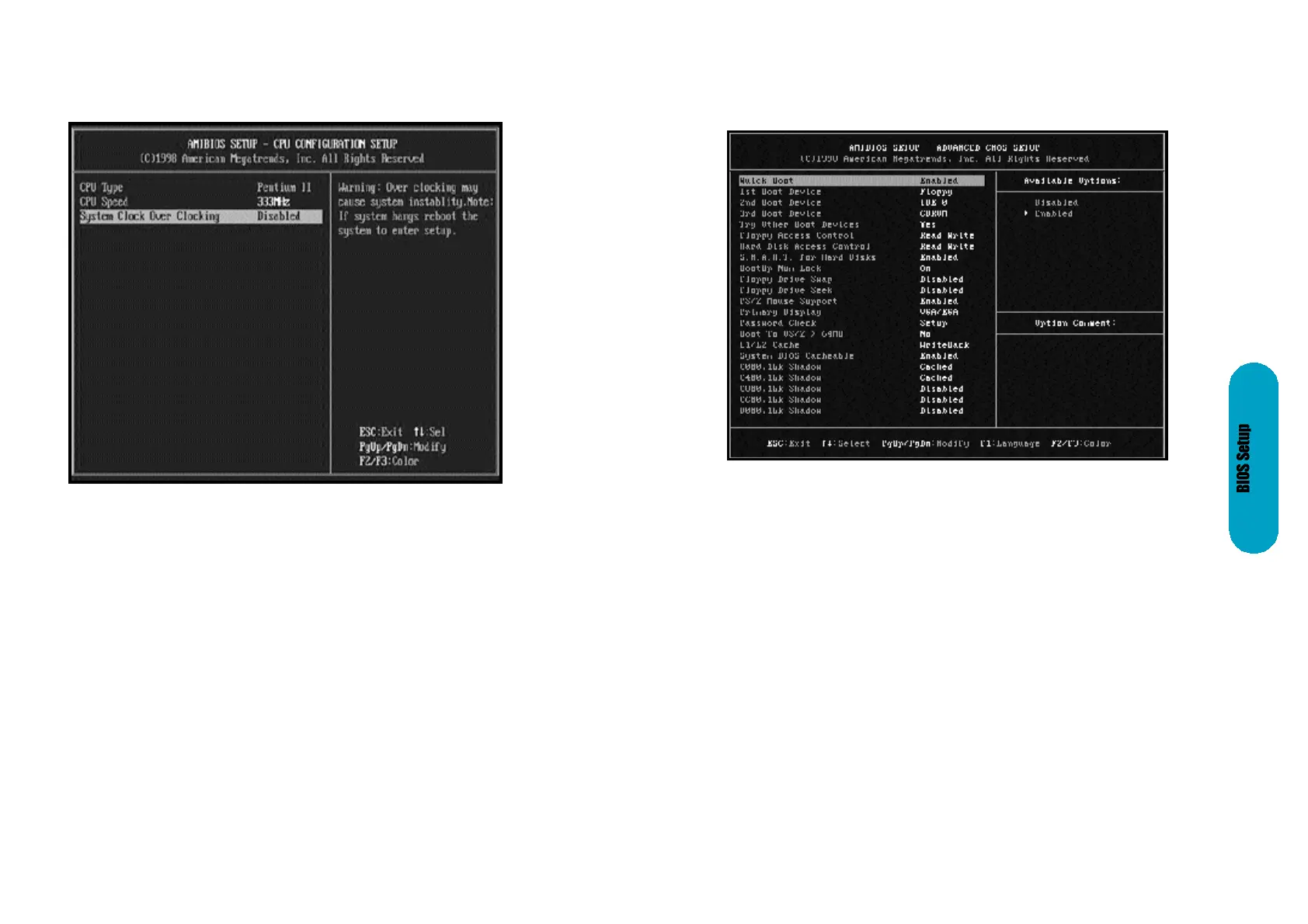
CPU Configuration Setup
The system BIOS is capable to detect the CPU type, say Pentium II or
Celeron. The user is only required to select the CPU speed. In addition, over-
clocking option is provided for advanced users who prefer to run the CPU over
the specified clock frequency.
Advanced CMOS Setup
Quick Boot
Set this option to Enabled to instruct AMIBIOS to boot quickly when the
computer is powered on. This option replaces the old Above 1 MB
Memory Test Advanced Setup option. The settings are:
1st Boot Device
This option set the type of device for the first boot drives that the
AMIBIOS attempts to boot from after AMIBIOS POST completes. The
settings are Disabled, Network, Optical, SCSI, CDROM, IDE-0, IDE-1,
IDE-2, or IDE-3. The Optimal and Fail-Safe default settings are IDE-0.
2nd Boot Device
This option sets the type of device for the second boot drives that the
AMIBIOS attempts to boot from after AMIBIOS POST completes. The
settings are Disabled, Floppy, or IDE-0. The Optimal and Fail-Safe
default settings are Floppy.



 To Next Page