3
Tip: for this step, you can also press the “Z” button of the gateway
for two seconds until the LED indicator turns solid blue.
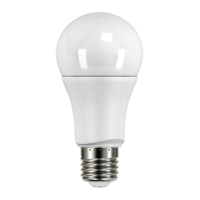
Step 4: Power ON the LED Bulb and it will turn from warm light - cool
light - warm light and flash once.
Step 5: The LED Bulb will flash once more when it is successfully
joined in the gateway. Now you can go to the APP and look for your
LED bulb. You may now use your phone to ON/OFF the bulb, adjust
brightness and color temperature.


 To Next Page