
 Need help?
Do you have a question about the ZIGBEE 622 and is the answer not in the manual?
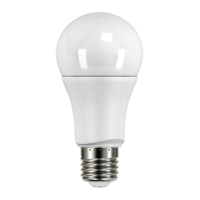
List of necessary components for setup: ZigBee Gateway, LED bulb, and mobile application.
Steps to power on the bulb and select the 'Add new devices' option in the mobile app.
Alternative method using the gateway's 'Z' button for pairing initiation.
Indicator of successful bulb connection to the gateway and readiness for app control.
Instructions on how to restore the device to its default factory settings.
Information regarding the use of a dimmer switch for controlling the LED bulb.
Important precautions to prevent fire, electric shock, injury, or property damage.
Guidelines on avoiding humidity, extreme temperatures, vibration, and contact with hazardous substances.
 General
| Brand | ZIGBEE |
|---|---|
| Model | 622 |
| Category | Lighting Equipment |
| Language | English |

 To Next Page