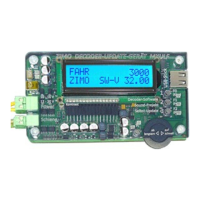
Page 10 Decoder-Update-and-Sound-Loading-device MXULFA, Test and Connection boards MXTAPS, -V, MSTAPK, -G
Typical application:
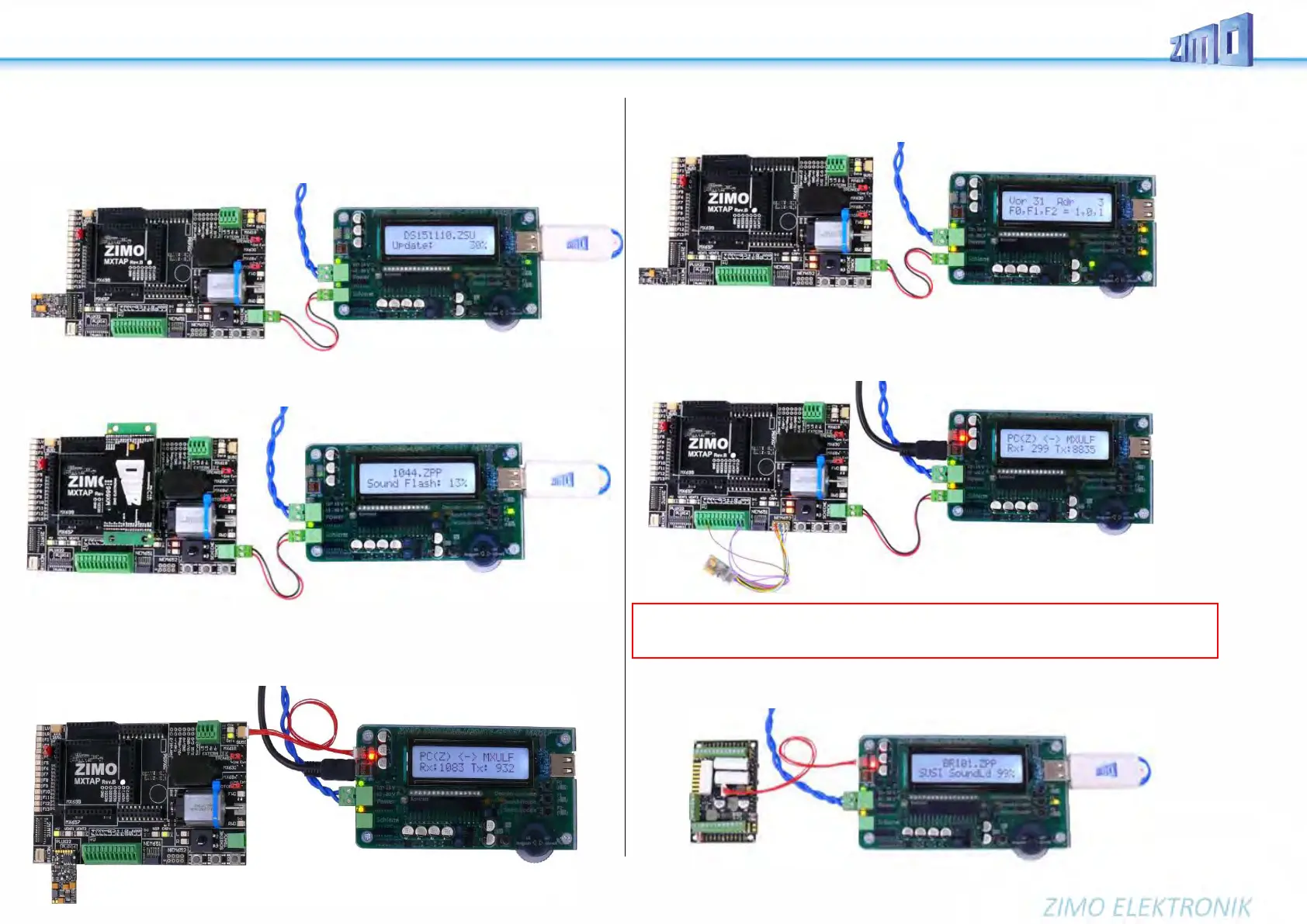
MXTAPV with decoder MX644D (MTC interface), connected to MXULFA:
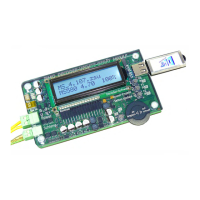
Supply of the combination via connection “Power” on the MXULFA, 2-pole cable from “Schiene”
(MXULFA) to “SCHIENE” (MXTAP); on the MXULFA, a decoder update was just started (according to
the display), the decoder software is loaded from a flash drive.
MXTAPV (not MXTAPS) with connected large-scale decoder MX696, connected to MXULFA; on the
MXULFA sound loading was just started (according to the display), the sound project is loaded from a
flash drive.
MXTAPV with decoder MX645P22 (PluX22), connected to MXULFA:
additionally, SUSI cable between MXULFA and MXTAPV, for faster sound loading via SUSI,
MXULFA in this case is controlled by computer (usually software ZSP - ZIMO Sound Programmer;
USB cable to the computer; on the display information to communication between PC and MXULF).
ATTENTION: The rail connection to the test stand must be disconnected. Never leave SUSI + rail
plugged in at the same time, this can cause damage to the decoder!
MXTAPV with decoder MX648N18 (Next), connected to MXULFA:
Via operating elements and display of the MXULFA, test operation is active, i.e. tests motor control,
function outputs, sound of the decoder.
MXTAPV with decoder MX648R (8-pole NEM652 interface, speaker not on interface, therefore, wires
on clamps), connected to MXULFA:
In this case, the test operation is controlled by the computer (display controller in ZSP or ZCS), there-
fore, on the display only information about communication between PC and MXULF.
Therefore, it is not possible to load more than one large-scale decoder at the same time like “small” de-
coders (see previous page - with more than one MXTAPVs). Instead, it is possible to build your own
equipment to connect large-scale decoders in parallel by SUSI cables.
ATTENTION: To load sound into large-scale sound decoders, the SUSI interface (“SUSI” plug) on the
decoder itself has to be used; it is NOT provided on the pin connectors of the decoder and therefore
also NOT on the SUSI pins of the MXTAPV!


 To Next Page