20
Childproof Lock
CHILDPROOF LOCK
The oven has a childproof lock to prevent children switching it on accidentally. The
oven will not react to any settings. The timer and clock can also be set when the
childproof lock has been switched on.
SWITCHING ON THE CHILDPROOF LOCK
1. No cooking time should be set.
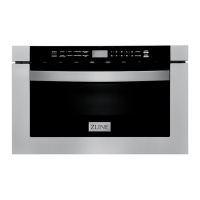
2. Touch and hold the Panel lock key for approx. 3 seconds. The lock symbol
appears in the display. The childproof lock is activated.
SWITCHING OFF THE CHILDPROOF LOCK
Touch and hold the Panel lock key for approx. 3 seconds. The lock symbol on the
display goes out. The childproof lock is deactivated.
CHILDPROOF LOCK WITH OTHER COOKING OPERATIONS
When other cooking programs have been set, the childproof lock is not operational.
COOLING FAN
• Your appliance has a cooling fan. The cooling fan switches on during operation.
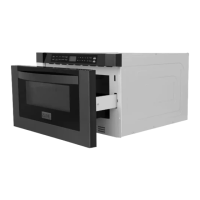
The hot air escapes above the door.
• The cooling fan continues to run for a certain time after operation.
WARNING
WARNING: Do not cover the ventilation slots. Otherwise, the
appliance will overheat.
• The appliance remains cool during microwave operation. The cooling fan will still
switch on. The fan may run on even when microwave operation has ended.
• Condensation may appear on the door window, interior walls and floor. This
is normal and does not adversely affect microwave operation. Wipe away the
condensation after cooking.
OPERATION



 To Next Page
 Loading...