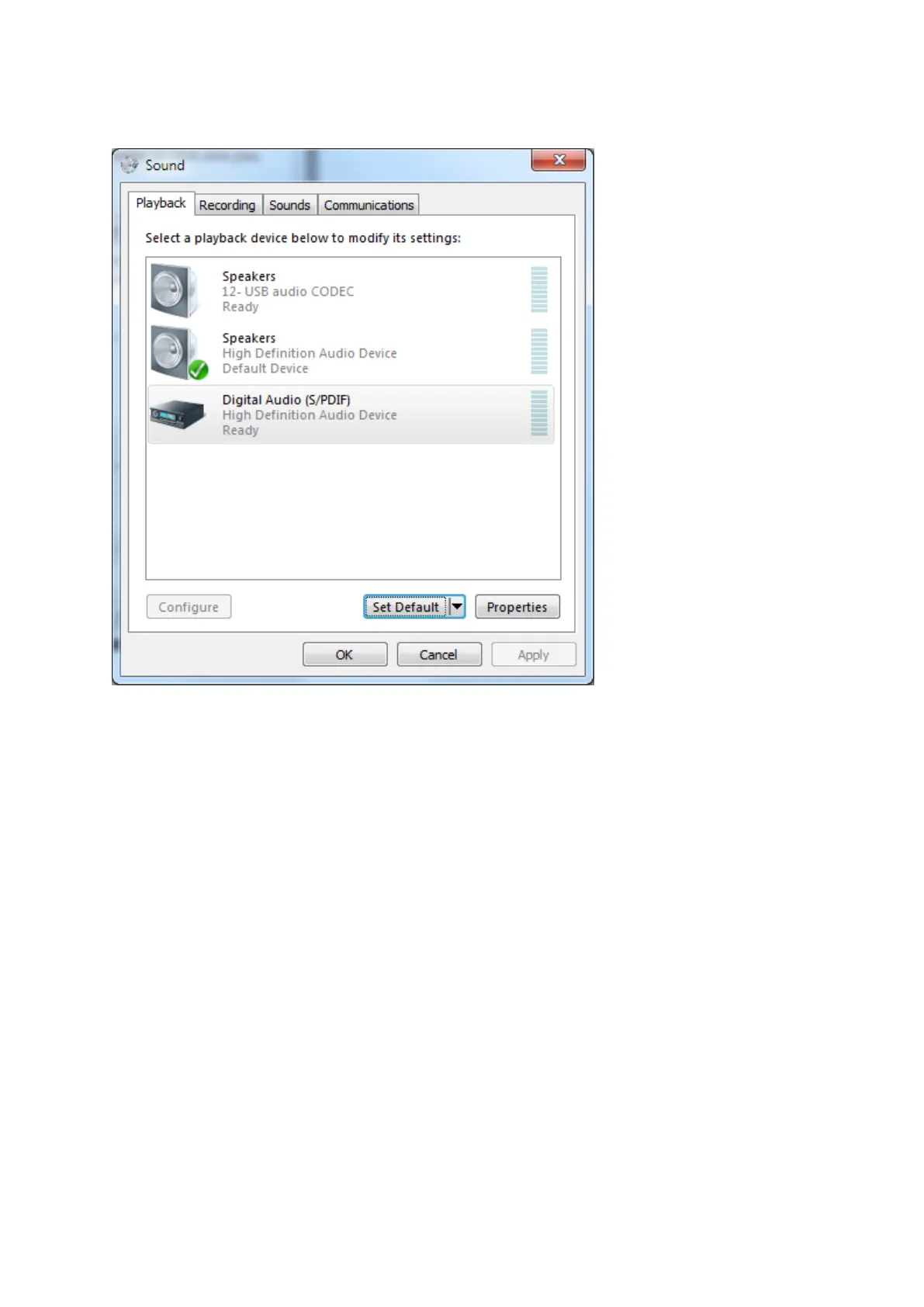
Click on the tab “Playback”;-
Click on the soundcard you wish to use for system sounds then click the button “Set Default”.
System sounds are now configured to be played back through your normal speakers while your DATA
software will use the audio codec.
There are other ways to go through the Windows process to achieve the same results.
Also notice that in the Volume Mixer, you can set the overall audio level for ALL soundcards so be
careful not to inadvertently set this so as to limit your audio levels.


 To Next Page