FEED
POWER
R
G
E
F
A
U
H
L
L
C
P
O
W
E
R
M
O
D
E
E
R
R
O
R
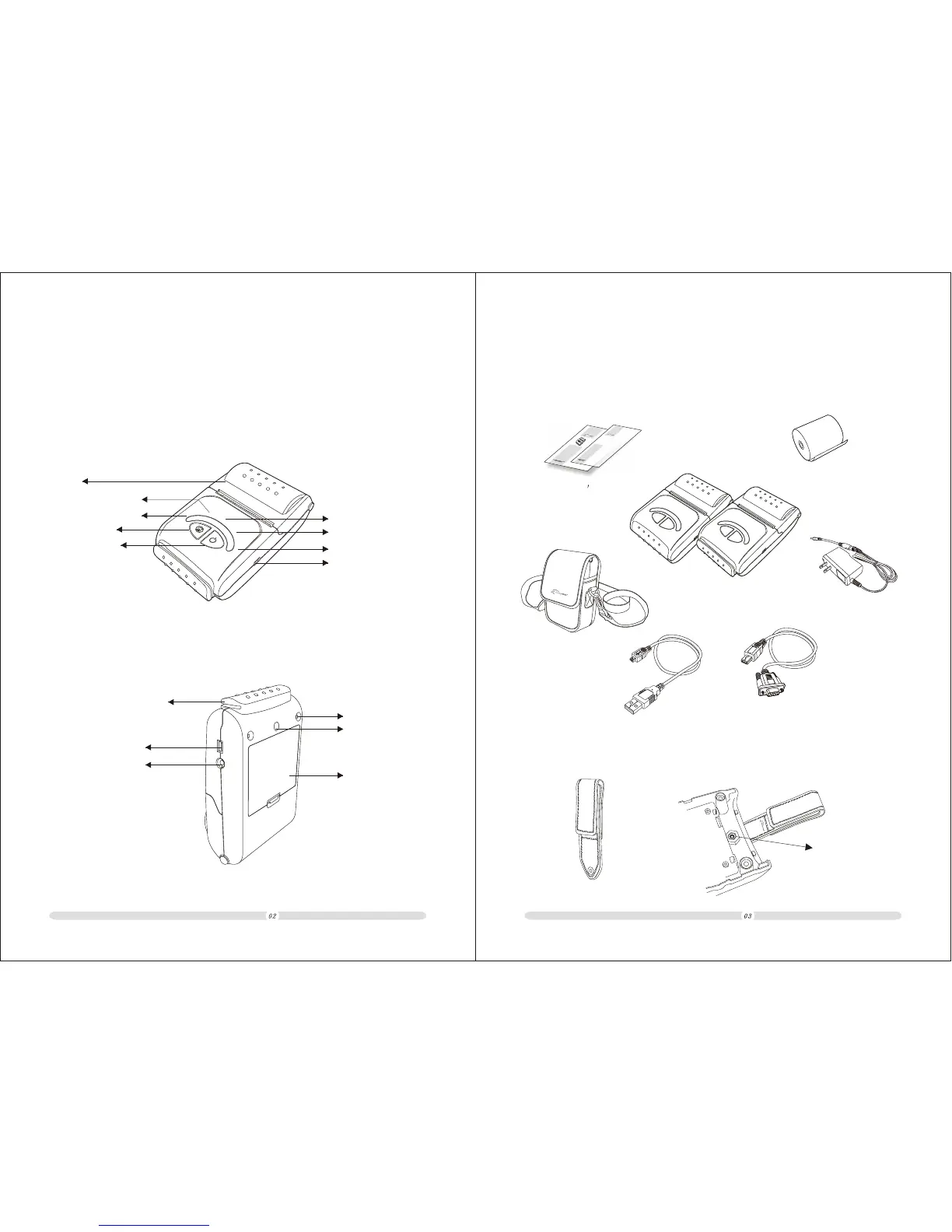
Strap Clasp
Screw Nut
Below strap clasp is not included in the box but optional.The strap clasp is
fixed on the back shell of the printer using a nut inside and right behind the
back shell.
Chapter 2 Setting up the Printer
Your printer box should include these items. If any of the items was damaged
or missing, please contact your dealer for assistance.
2-1. Unpacking
AB-320M/AB-330M
Serial Cable
Roll paper
Recharger
USB Cable
USER'S MANUAL USER'S MANUAL
Operator s M anual
e
r
o
w
M
P
o
d
e
l
l
u
F
E
e
r
g
r
r
o
a
r
h
C
e
r
o
w
M
P
o
d
e
l
l
u
F
E
e
r
g
r
r
o
a
r
h
C
FE
E
D
FE
E
D
PO
W
ER
PO
W
ER
U
S
B
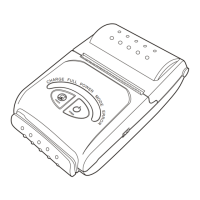
Below pictures define every part of printer model AB-320M/AB-320M.
Chapter 1 Overview
Feed Button
Charge(Red light)
Full(Green light)
Shell
Power(Red light)
Mode(Blue light)
Power Button
Card Reader(MSR)
(Option)
Serial Interface
Recharge Port
Screw Hole
Battery
Strap Clasp
Screw Hole
Error(Yellow light)
USB Interface
Printer Bag


 To Next Page