8
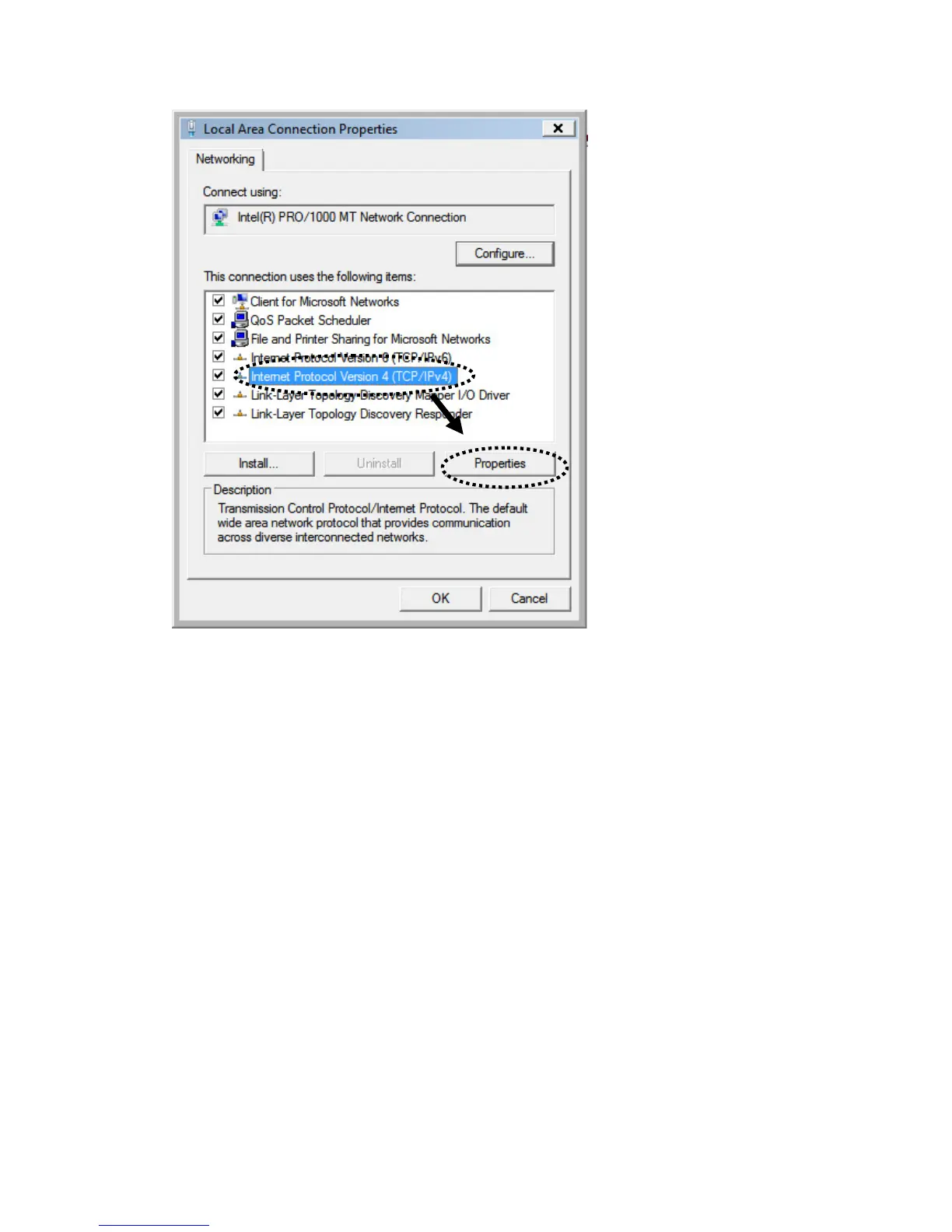
2. Select “Obtain an IP address automatically” and “Obtain DNS server
address automatically”, then click “OK”.
2-2-4. Router IP address lookup
After the IP address setup is complete, please click “start” -> “run” at the
bottom-lower corner of your desktop:



 To Next Page