EasyManua.ls Logo

Zonet ZSR4154WS - User Manual

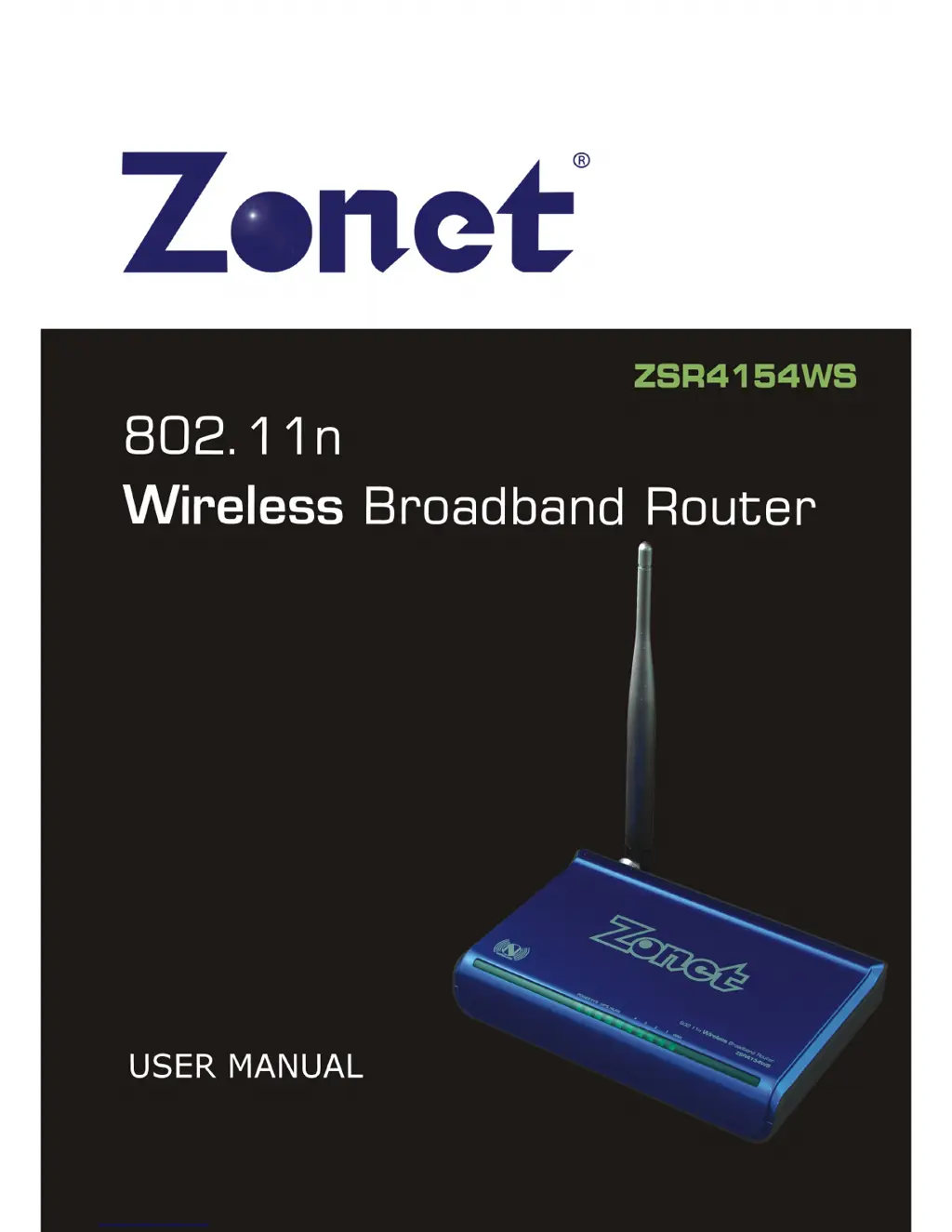
Zonet ZSR4154WS
52 pages
Print Icon
To Next Page IconTo Next Page
Loading...

Questions and Answers

Summary

Chapter 4 Basic Configurations

How to Access the Web-based Configuration Utility

Explains how to log into the router's web interface using its IP address and default credentials.

Setup Wizard

Guides users through initial router setup using an automated wizard for internet connection configuration.

Chapter 6 Wireless Settings

Basic Settings

Configures fundamental wireless network parameters like SSID, network mode, and channel.

Security Settings

Sets up wireless network security using WEP, WPA, or WPA2 encryption methods for data protection.

WPA-Personal

Configures WPA-Personal security with TKIP and AES encryption for enhanced wireless network protection.

WPA2-Personal

Configures WPA2-Personal security, offering a stronger encryption standard than WPA.

Mixed WPA;WPA2-Personal

Combines WPA and WPA2 security modes for broader client compatibility and robust protection.

WPS Settings

Simplifies wireless connection setup using Wi-Fi Protected Setup (WPS) via PBC or PIN methods.

Chapter 7 DHCP Server

DHCP Server Settings

Configures the router to act as a DHCP server, assigning IP addresses to network devices.

Chapter 8 Virtual Server

Port Range Forwarding

Configures port forwarding to allow external access to internal network services like web or FTP servers.

Chapter 9 Traffic Control

Traffic Control Settings

Manages and limits network bandwidth for specific devices or services on the LAN and WAN.

Chapter 10 Security Settings

Client Filter

Filters network access for clients based on IP address, port, and time restrictions.

Chapter 12 Routing Settings

Chapter 13 System Tools

Restore to Factory Default Settings

Resets the router to its original factory default configuration and settings.

Appendix 2: Troubleshooting

Troubleshooting Login Issues

Provides solutions for common problems like inability to log into the router's web interface.

Troubleshooting Password and IP Conflicts

Addresses issues related to forgotten passwords and IP address conflicts on the network.

Troubleshooting Internet and Email Connectivity

Offers solutions for problems with internet access and email functionality, often related to MTU settings.

Configuring Internet with Dynamic IP

Guides on setting up internet access using a Dynamic IP connection, including MAC cloning.

Zonet ZSR4154WS Specifications

General IconGeneral
StandardsIEEE 802.11b/g
Wireless Data RatesUp to 54Mbps
Frequency Band2.4GHz
Wireless SecurityWEP, WPA, WPA2
Ports1 x 10/100Mbps WAN, 4 x 10/100Mbps LAN

Related product manuals