Chapter 4 Basic Configurations
This section is to show you how to configure your new ZSR4154WS through the
Web-based Configuration Utility.
How to Access the Web-based Configuration Utility
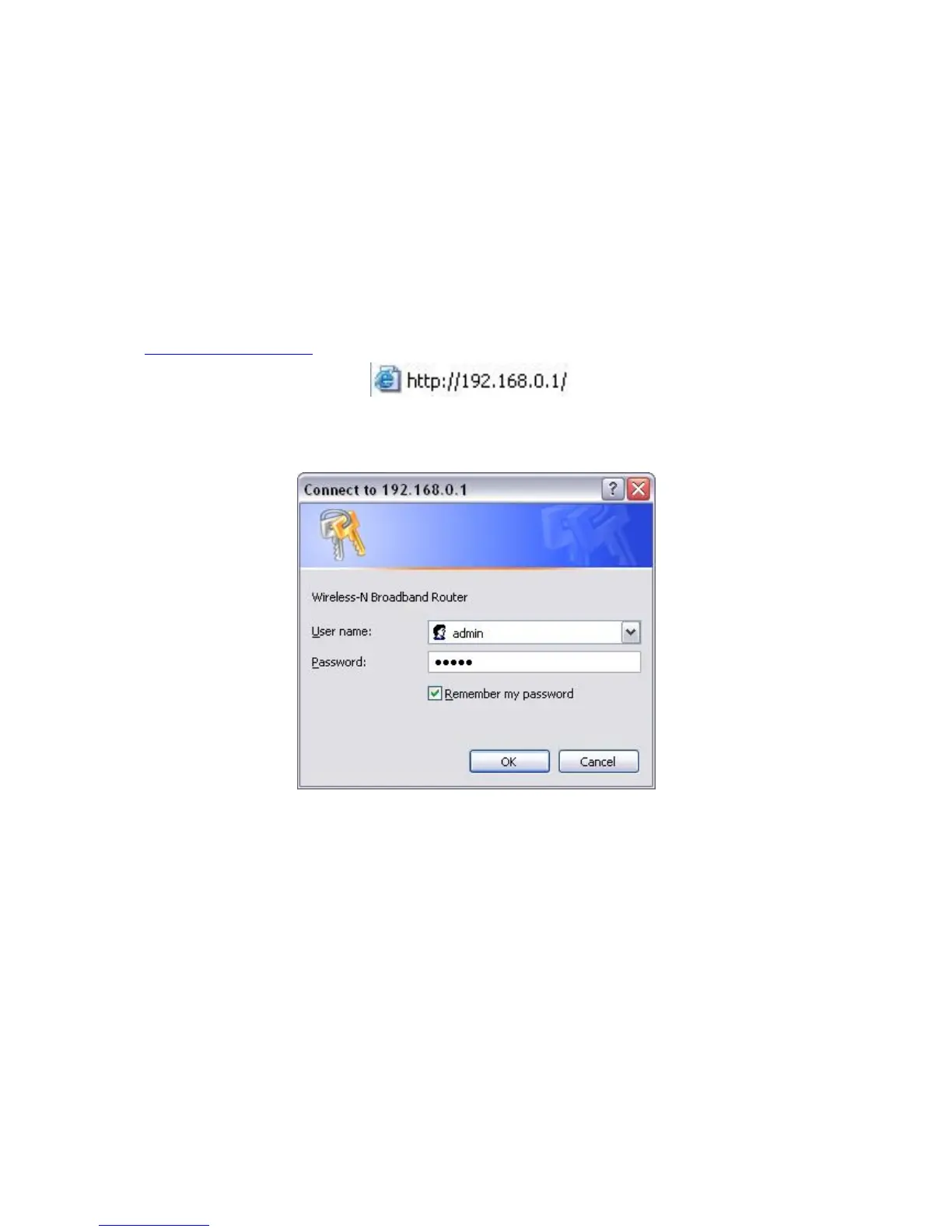
1. After your computer obtained an IP address from ZSR4154WS, please start
your web browser, and input the default IP address of ZSR4154WS
http://192.168.0.1 in address bar.
2. Please input user name and password and then click OK.
Both default user name and password is admin.



 To Next Page