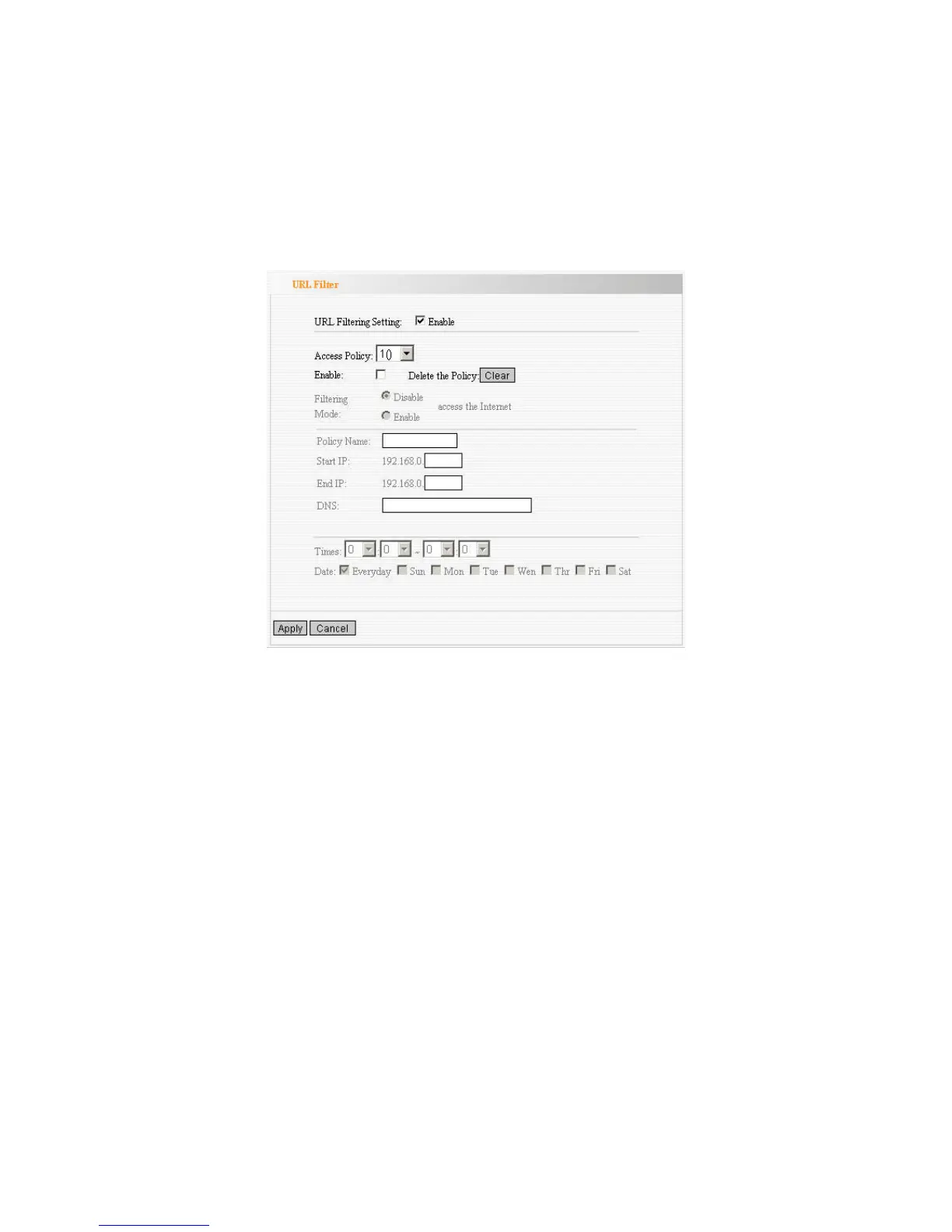
URL Filter
If you want to prevent computers in local network from accessing certain website
(like pornography, violence, or anything you want to block), you can use this
function to stop computers in local network from accessing the site you defined
here.
URL Filtering Setting: Select the checkbox to enable URL filter.
Access Policy: Select one number from the drop-down menu.
Enable: Select the checkbox to enable the access policy.
Delete the Policy: Click Clear button to clear all settings for the policy.
Filtering Mode: Select one button to enable or disable to access the
Internet.
Policy Name: Enter a name for the access policy selected.
Start/End IP: Enter the starting/ending IP address.
DNS: Input the string or keyword
which is contained in URL
. If any part of the
URL contains these strings or words, the web page will not be accessible and
display.
Times: Select the time range of client filter.
Days: Select the day(s) to run the access policy.



 To Next Page