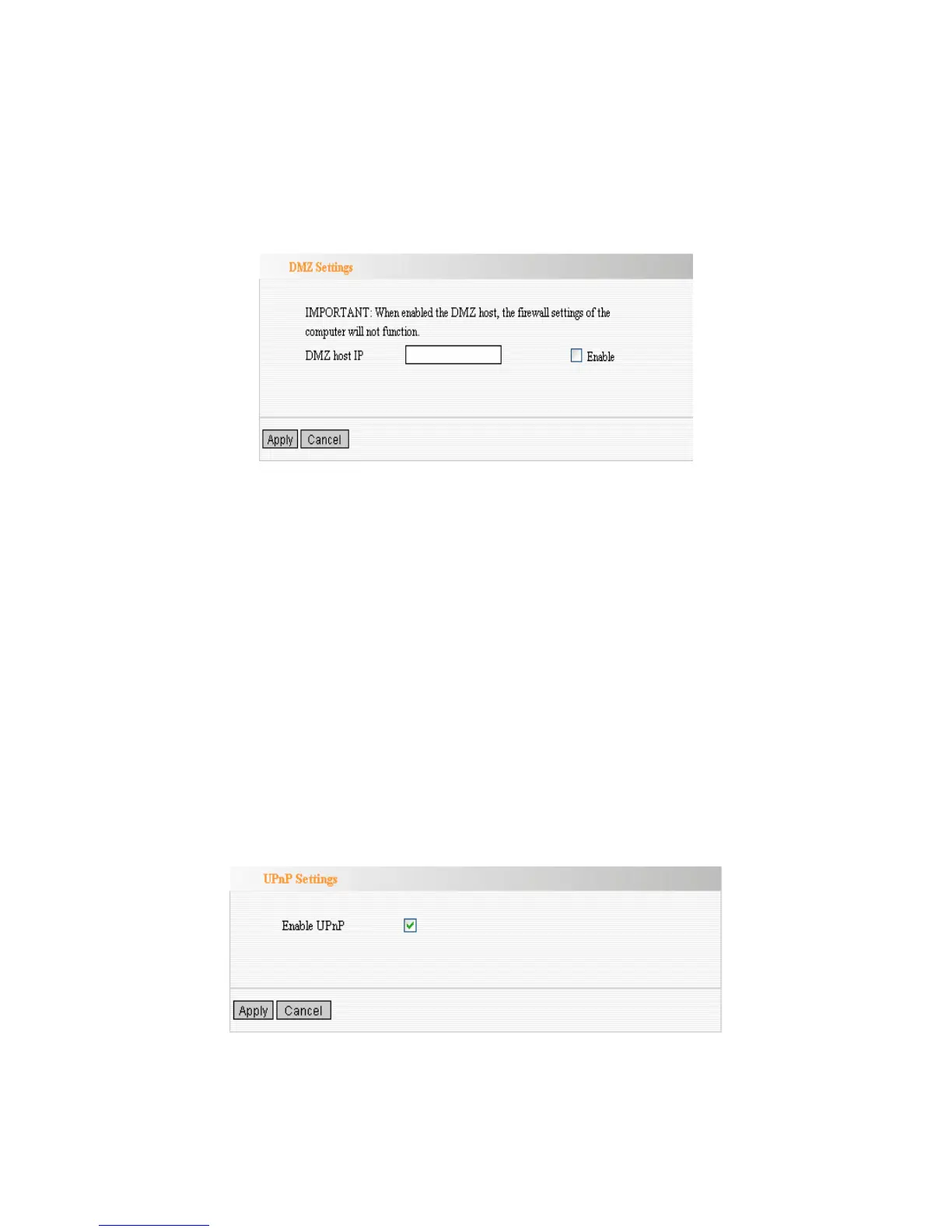
DMZ Settings
The DMZ(Demilitarized Zone) function is to allow one computer in LAN to be
exposed to the Internet for a special-purpose service as Internet gaming or
videoconferencing.
DMZ Host IP Address: The IP address of the computer you want to expose.
Enable: Select the checkbox to enable the DMZ host.
IMPORTANT: When enabled the DMZ host, the firewall settings of the DMZ host will not
function.
UPnP Settings
Universal Plug and Play function enables network auto-configuration for
peer-to-peer communications. With this function, network devices will be able to
communicate with other devices directly, and learn about information about
other devices. Many network device and applications rely on UPnP function
nowadays.
Enable UPnP: Select the checkbox to enable the UPnP.



 To Next Page