14
Protocol) to assign IP address to you. In this case, you can choose “Cable
Modem” as Internet connection type, even you’re using another connection
type, like xDSL. Also, some cable modem uses PPPoE, so you can choose
“PPPoE xDSL” for such cable modem connection, even you’re using a cable
modem.
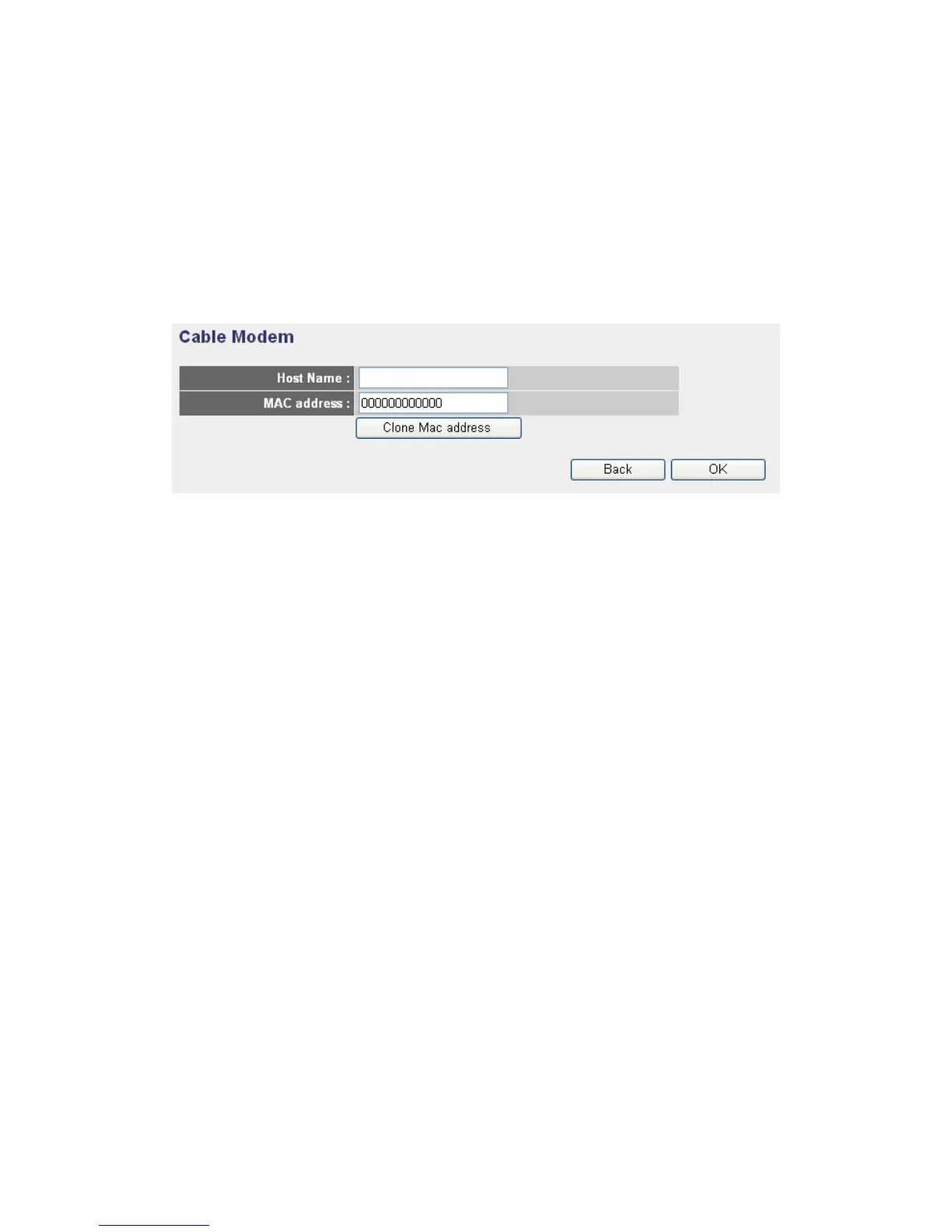
2-3-1. Setup procedure for “Cable Modem”
Host Name: Please input the host name of your computer, this is
optional, and only required if your service provider asks you to do so.
MAC address: Please input MAC address of your computer here, if your
service provider only permits computer with certain MAC address to
access internet. If you’re using the computer which used to connect to
Internet via cable modem, you can simply press “Clone Mac address”
button to fill the MAC address field with the MAC address of your
computer.
After you finish with all settings, please click “OK” button; if you want to go
back to previous menu, click “Back”.



 To Next Page