23
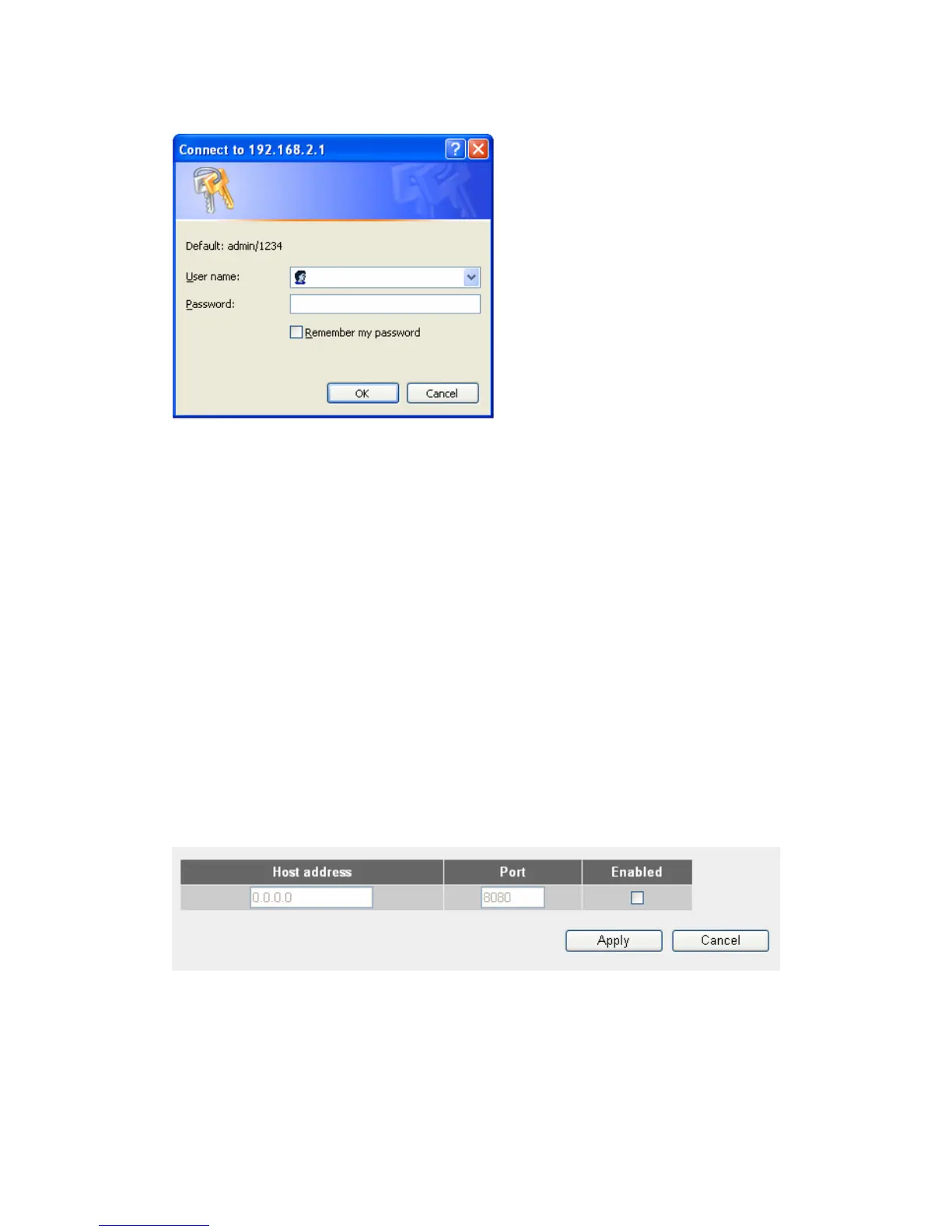
Please use new password to enter web management interface again, and
you should be able to login with new password.
2-4-3. Remote Management
This router does not allow management access from Internet, to prevent
possible security risks (especially when you defined a weak password, or
didn’t change default password). However, you can still management this
router from a specific IP address by enabling the “Remote Management”
Function.
To do so, please follow the following instructions:
Please click “System” menu on the left of web management interface, then
click “Remote Management”, and the following message will be displayed on
your web browser:
Host Address: Input the IP address of the remote host you wish to
initiate a management access.
Port: You can define the port number this router should expect an
incoming request. If you’re providing a web service (default port
number is 80), you should try to use other port number. You can use the



 To Next Page