48
one you should use, select “Key 1”.
Encryption Key 1 to 4 (5-8): Input WEP key characters here, the
number of characters must be the same as the number displayed at
“Key Format” field. You can use any alphanumerical characters (0-9, a-z,
and A-Z) if you select “ASCII” key format, and if you select “Hex” as key
format, you can use characters 0-9, a-f, and A-F. You must enter at least
one encryption key here, and if you entered multiple WEP keys, they
should not be same with each other.
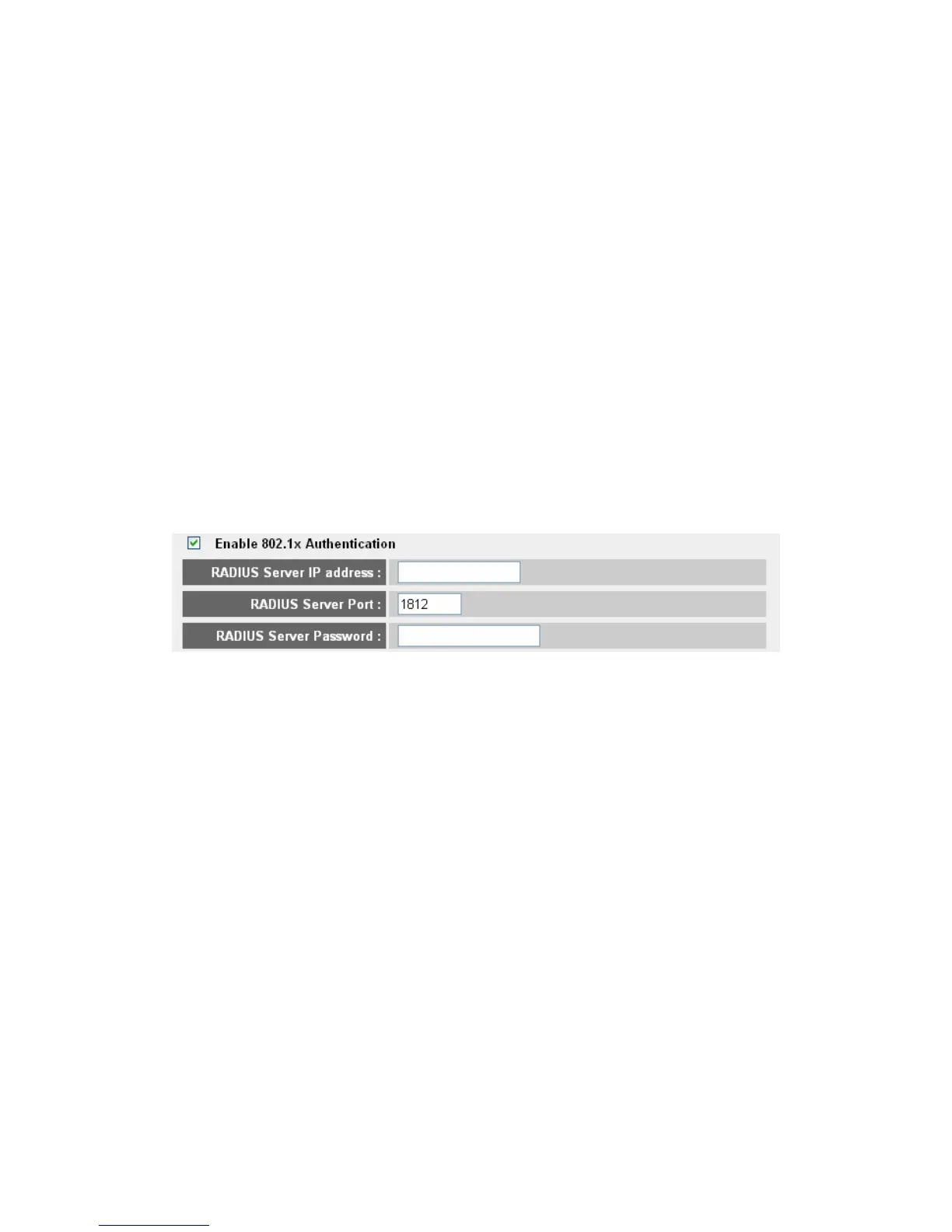
Enable 802.1x Authentication: IEEE 802.1x is an authentication
protocol. Every user must use a valid account to login to this wireless
router before accessing the wireless LAN. The authentication is
processed by a RADIUS server. This mode only authenticates user by
IEEE 802.1x, but it does not encryption the data during communication.
If there is a RADIUS server in you environment, please enable this
function. Check this box and another sub-menu will appear:
RADIUS Server IP address: Please input the IP address of radius server
here
RADIUS Server Port: Please input the port number of radius server
here.
RADIUS Server Password: Please input the port number of radius
password here.
TIPS: Some examples of WEP key
(Don’t use those examples; use the one of your own!):
ASCII (5 characters): pilot/phone/23561/2Hyux/#@xmL
ASCII (13 characters): digital FAMILY 82Jh26xHy3m&n
Hex (10 characters): 287d2aa732 1152dabc85
Hex (26 characters): 9284bcda8427c9e036f7abcd84
To improve security level, do not use those words which can be found in
a dictionary or too easy to remember! (“pilot” and “phone” listed above



 To Next Page