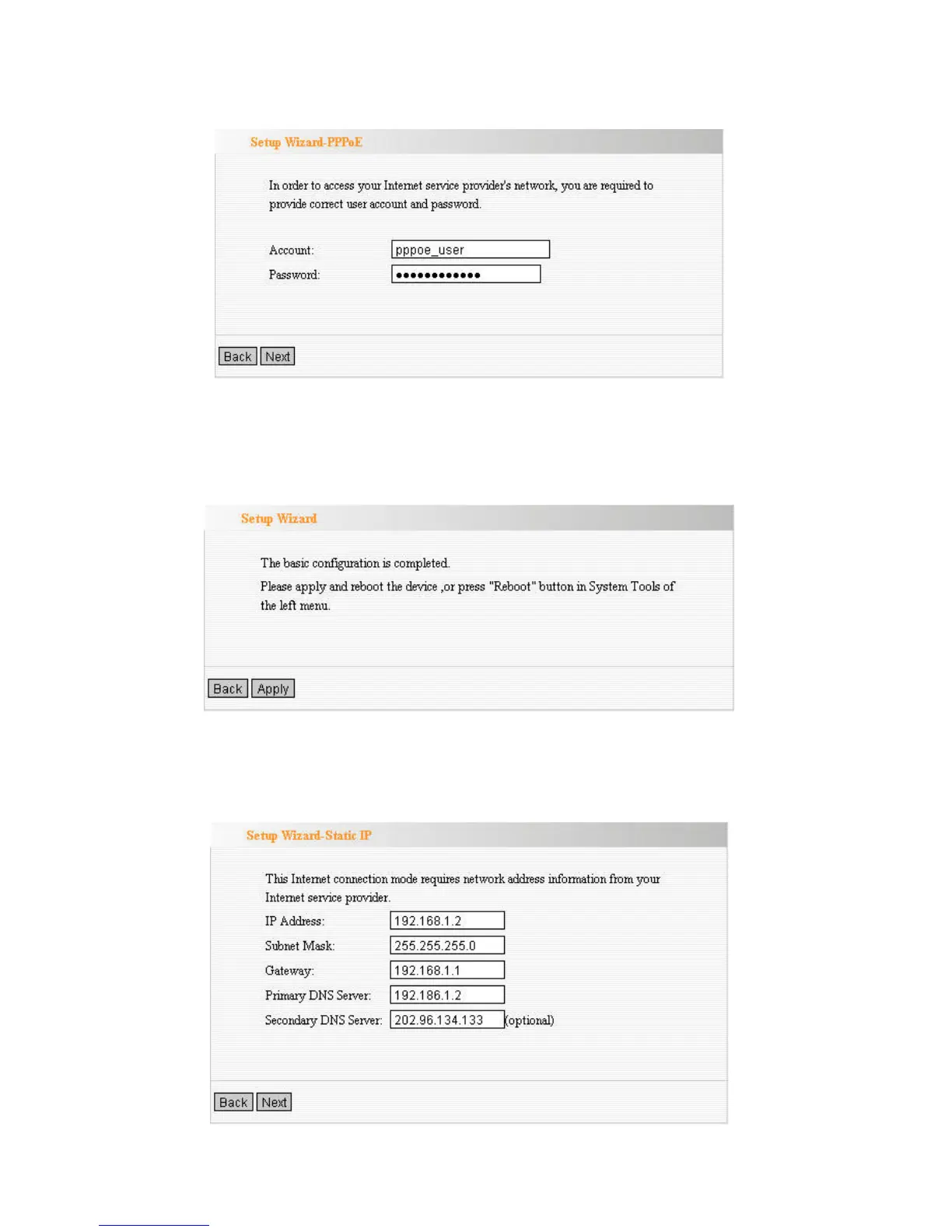
a. ADSL Virtual Dial-up (Via PPPoE)
Enter the Account and Password provided by your ISP, and click Next.
b. Dynamic IP (Via DHCP)
If your connection type is Dynamic IP, it means your IP address keeps
changing every time you connect. You do not need to enter the
information.
c. Static IP
Fill the network address information from your ISP in the IP Address,
Subnet Mask, Gateway and Primary DNS server fields and click Next.



 To Next Page