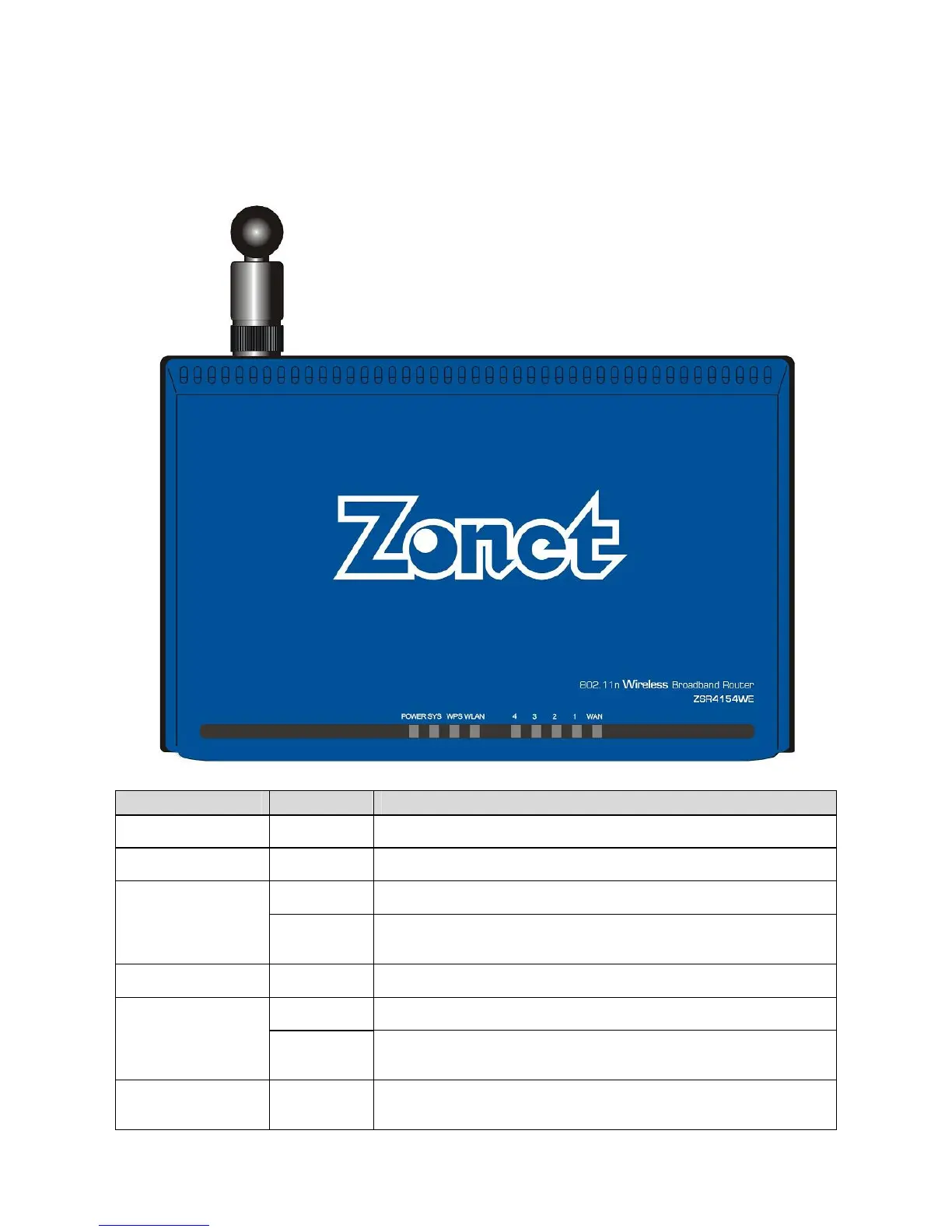
SYS Flashing Indicates the system works normally.
ON Indicates WAN port is connected
WAN
Flashing
Indicates WAN activity (transferring or receiving
data)
WLAN Flashing Indicates the wireless signal is OK.
ON Indicates LAN port is connected
LAN(1/2/3/4)
Flashing
Indicates LAN activity (transferring or receiving
data)
WPS Flashing
Indicates ZSR4154WE is negotiating with WPS
clients in WPS Mode (PBC or PIN).



 To Next Page