100
Please specify the COM port displayed in the window pertaining to Step (7) under
"●Setting up the modem station."
4.
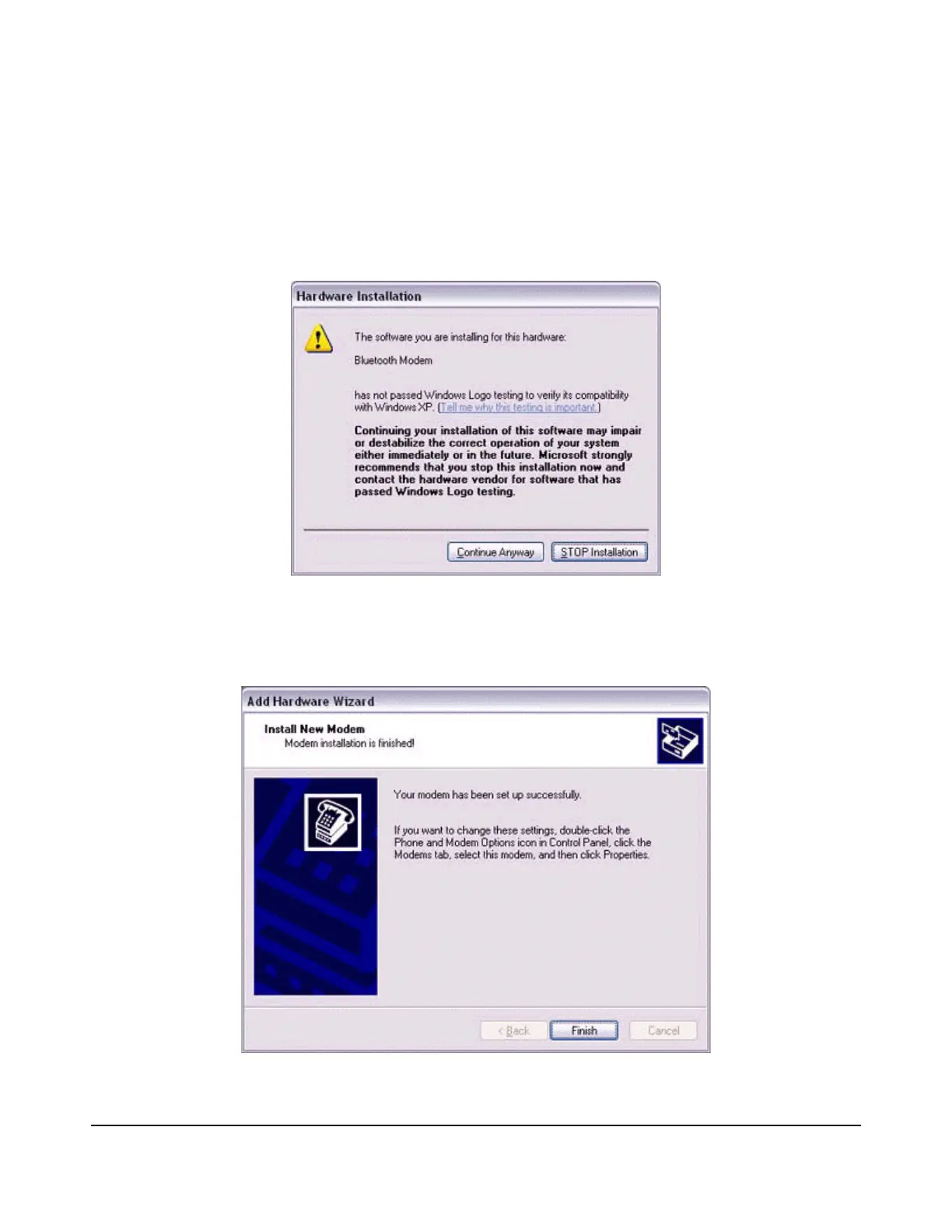
Click on the [Continue] button.
The wizard will display the following window by design, but you may disregard it and
click on the "Continue" button.
A window will appear indicating that the modem installation is complete.
5.
Click on the [Finish] button.



 To Next Page