145
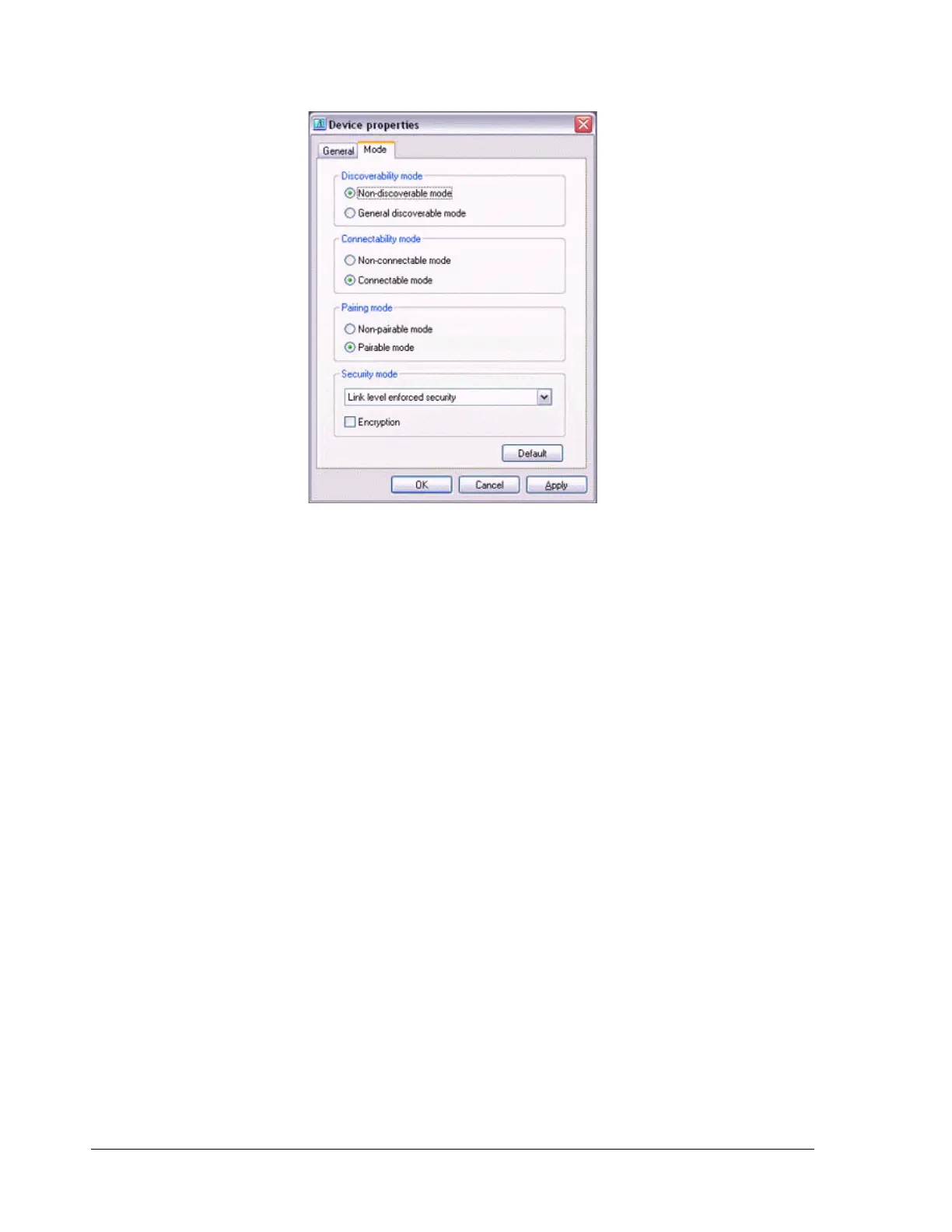
Your device will now be undetectable by other users, even when they search for other
devices.
Note
−
Other devices are still able to establish connections with your device even if you
have enabled the Non-discoverable mode. Please enable "Non-connectable
mode" if you wish to reject connections from other devices.
Encrypting the content of your transmissions
Since Bluetooth communication is conducted wirelessly, there is always the possibility
that a third party may be able to intercept your transmissions.
You can use encryption to render the content indecipherable to anyone who manages
to intercept it.
Important
Encrypting your transmissions will still not guarantee complete security.
Accordingly, please be aware that transmitting data is conducted with an element of
risk for the user.
1.
Right-click on the Bluetooth icon in the task tray, and then click on
[Device Properties].



 To Next Page