146
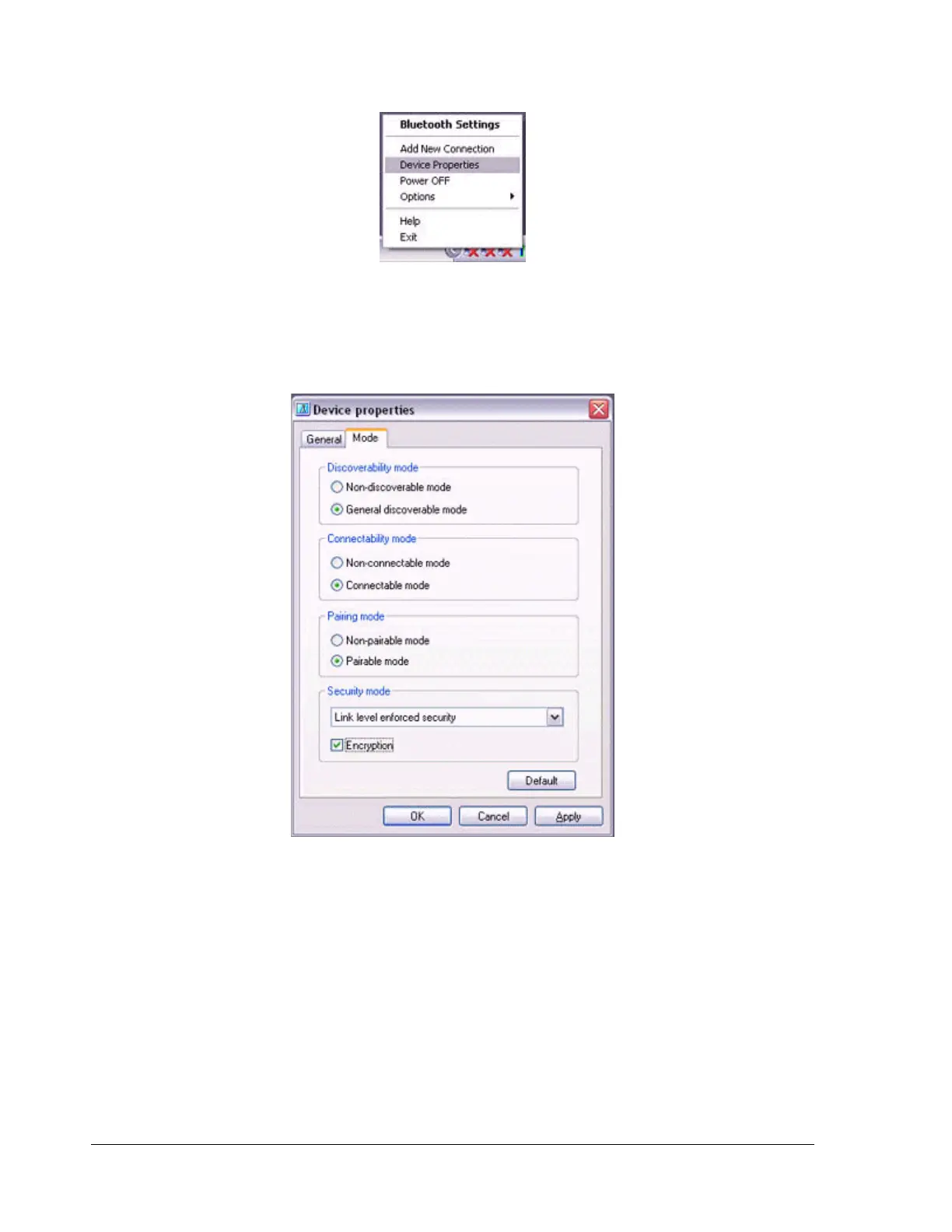
The [Device Properties] window will appear.
2.
Select [Link Level Enforced Security] in [Security Mode] under the [Mode]
tab, put a check next to [Encryption], and then click on the [OK] button.
Note
−
Once you have configured the security mode, a window will appear when
you first make a connection to another device, prompting you to enter a
Bluetooth passkey (PIN code). Please click on the [OK] button after you
have entered the passkey.



 To Next Page