109
Setting fax information
Important
The Fax service must be enabled for sending in order for you to send a fax.
Please refer to "Using a wireless modem station" under "Troubleshooting" for how
to change the send and receive settings once the service has been configured.
1.
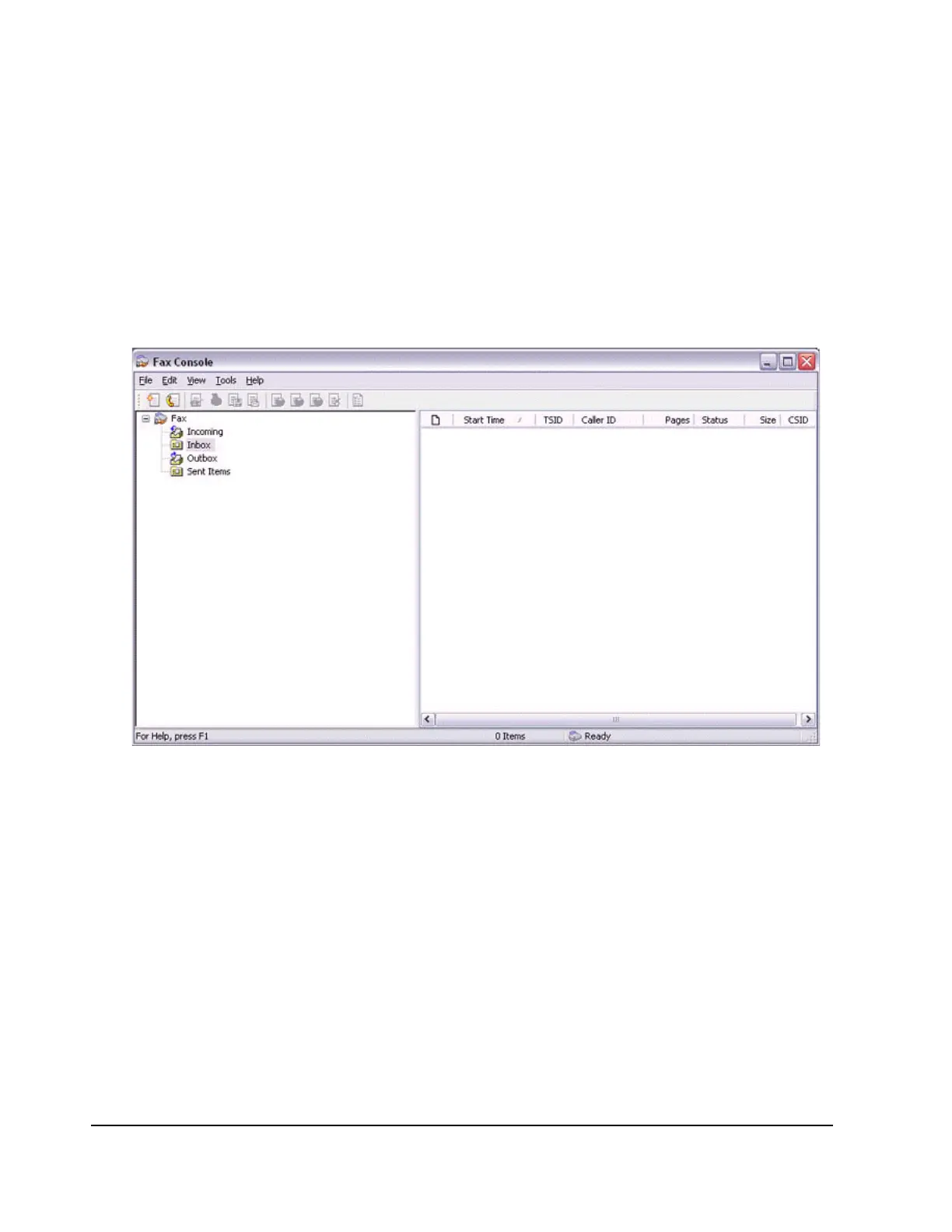
Double-click on the [Fax] icon in the Control Panel.
The [Fax Console] window will appear.
2.
In the [Fax Console] window, click [File]→[Send fax].
The [Send Fax Wizard (Starting the Send Fax Wizard)] window will appear.
3.
Click on the [Next] button.



 To Next Page