121
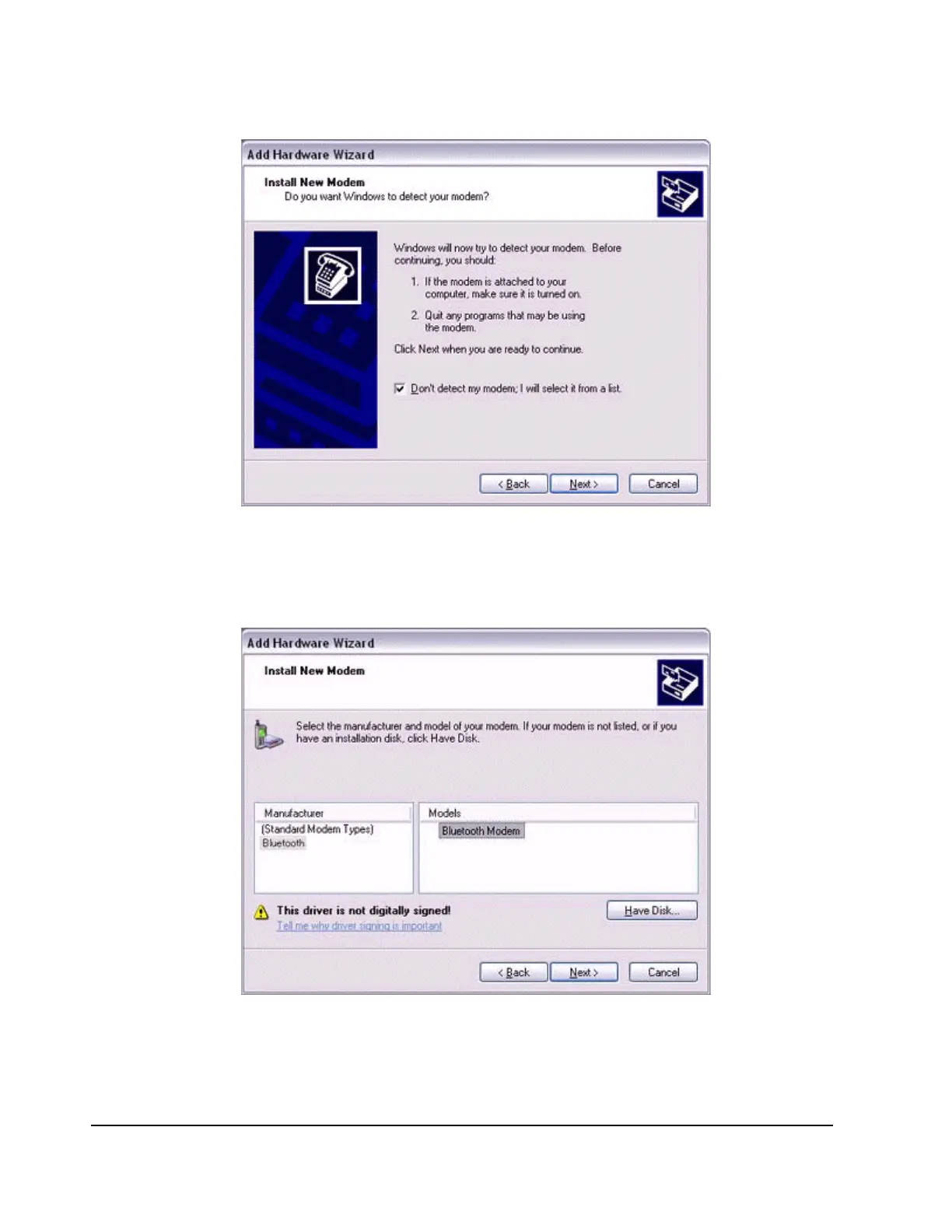
A list of modem manufacturers and models will appear.
2.
Select the desired mobile telephone from under [Manufacturer] and [Models],
and then click on the [Next] button.
Note
−
If you have not yet installed a mobile telephone driver, click on the "Use Device"
button to install one from this window.



 To Next Page