159
Please refer to "Using a modem station for fax transmissions" for information on
the configuration procedure.
•
The telephone number of the fax destination may have been entered incorrectly.
Please check the telephone number.
•
If the setting under COM Auto Connect Settings has been set to "Off", a
connection will not automatically be established with the modem. Please
connect to the modem manually.
•
When you place a call using a company switchboard or other exchange, the
system may require you to enter a "0" before the telephone number itself.
Please check the type of telephone line you are using.
•
The fax service may not have been enabled for sending (or receiving).
Please check the settings by following the procedure below.
1.
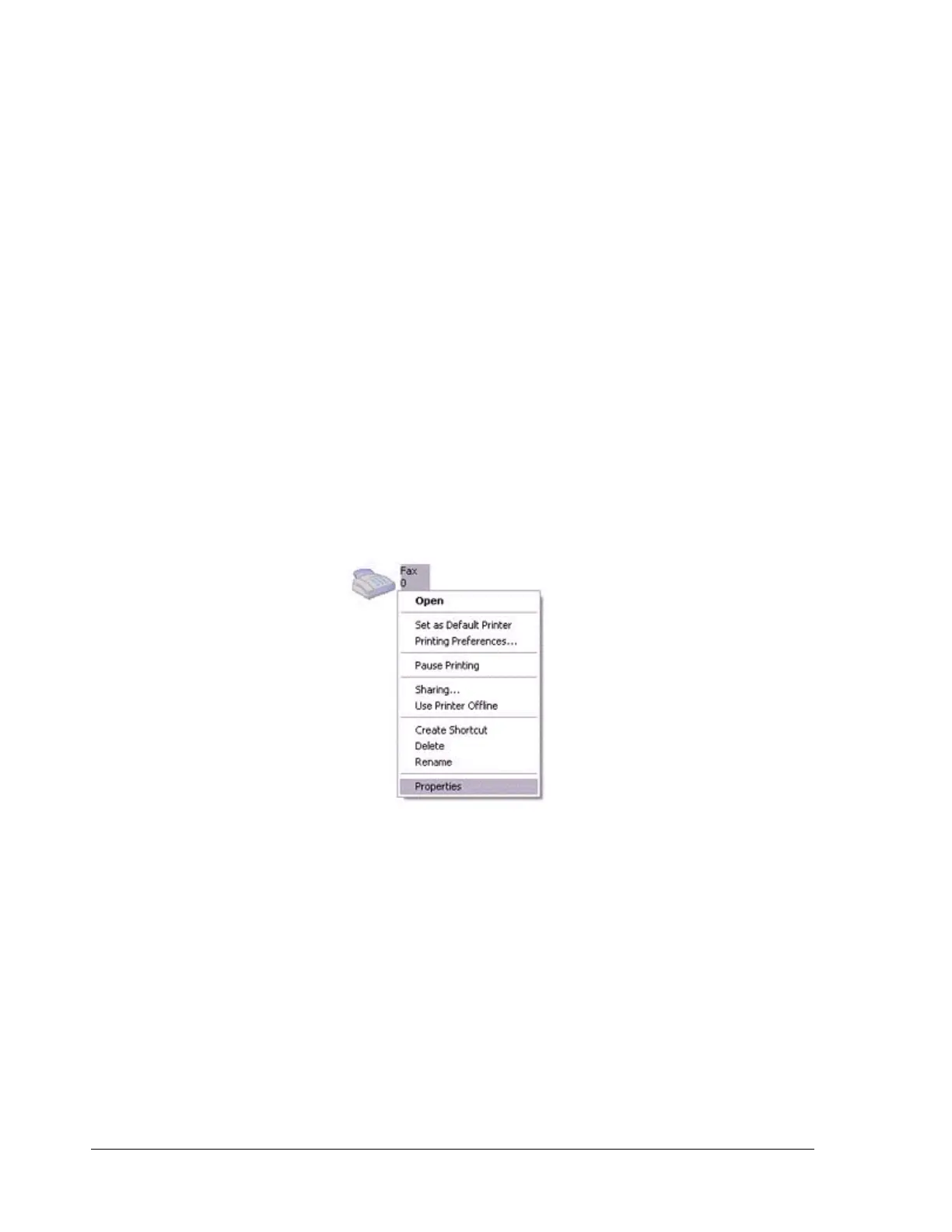
Open [Printers and Faxes] from the Control Panel, right-click on the
[Fax] icon, and then click on [Properties].
The [Fax properties] window will appear.
2.
Select the [Device] tab, right-click on the modem you wish to use,
and then click on [Properties].



 To Next Page