161
5.
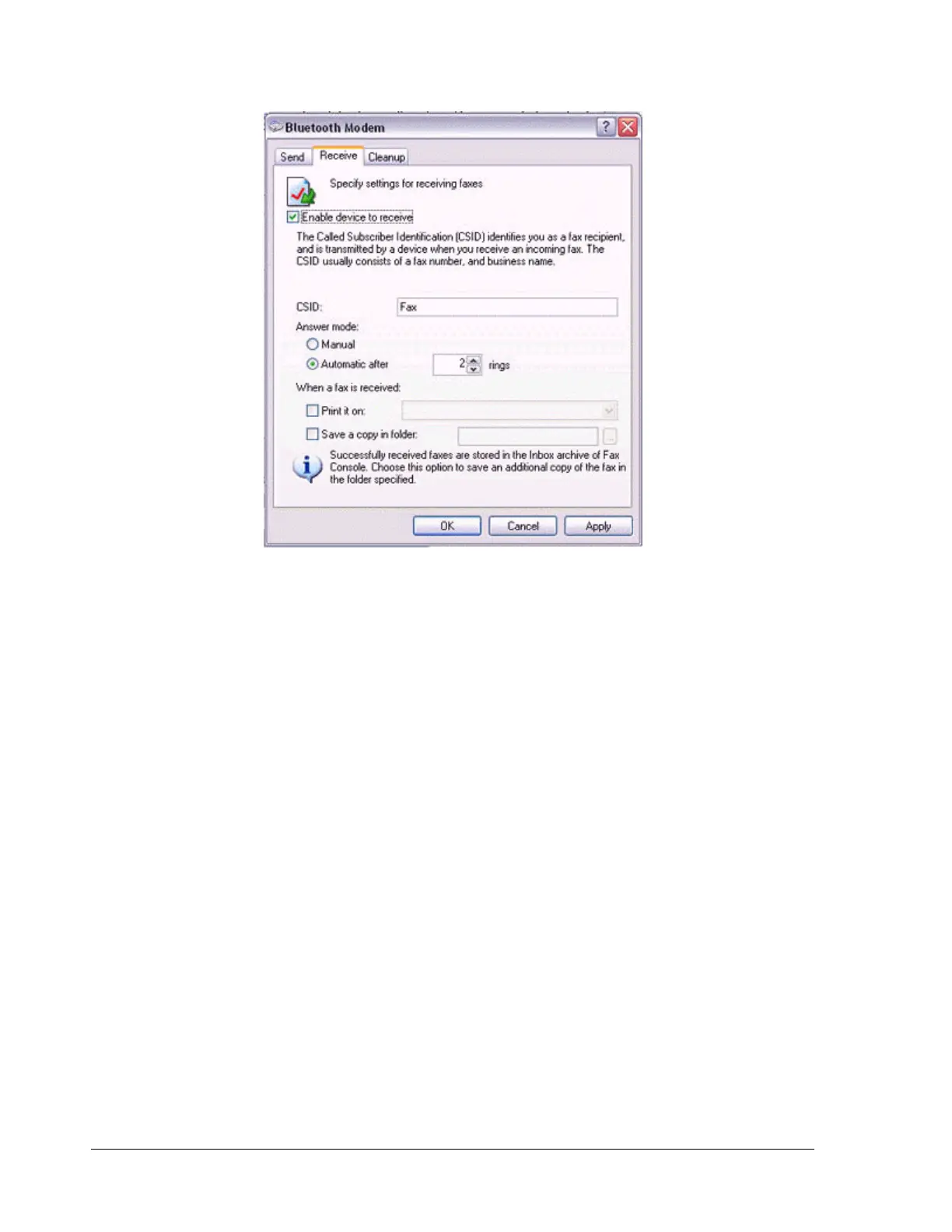
Click on the [OK] button.
Using an access point
Q: Access point cannot be detected.
•
If the access point is connected to and is being used by another device, the
access point will be undetectable even if you search for it.
Q: Cannot connect to access point.
•
If the access point is connected to and is being used by another device, no
other device will be able to connect to the access point.
Q: Cannot connect to LAN.
•
The LAN cable may not be properly connected to the access point. Please
check the connection status.
Note
−
If the LAN cable has come loose because it has not been fully inserted into
the socket, the resulting poor contact may prevent data from being
transmitted accurately.
−
Communication will be impossible if the interior of the LAN cable has been
broken. Please replace the cable with another one.
•
The access point may not have been configured correctly, and may not be able
to maintain the connection to the LAN.



 To Next Page