31
5.
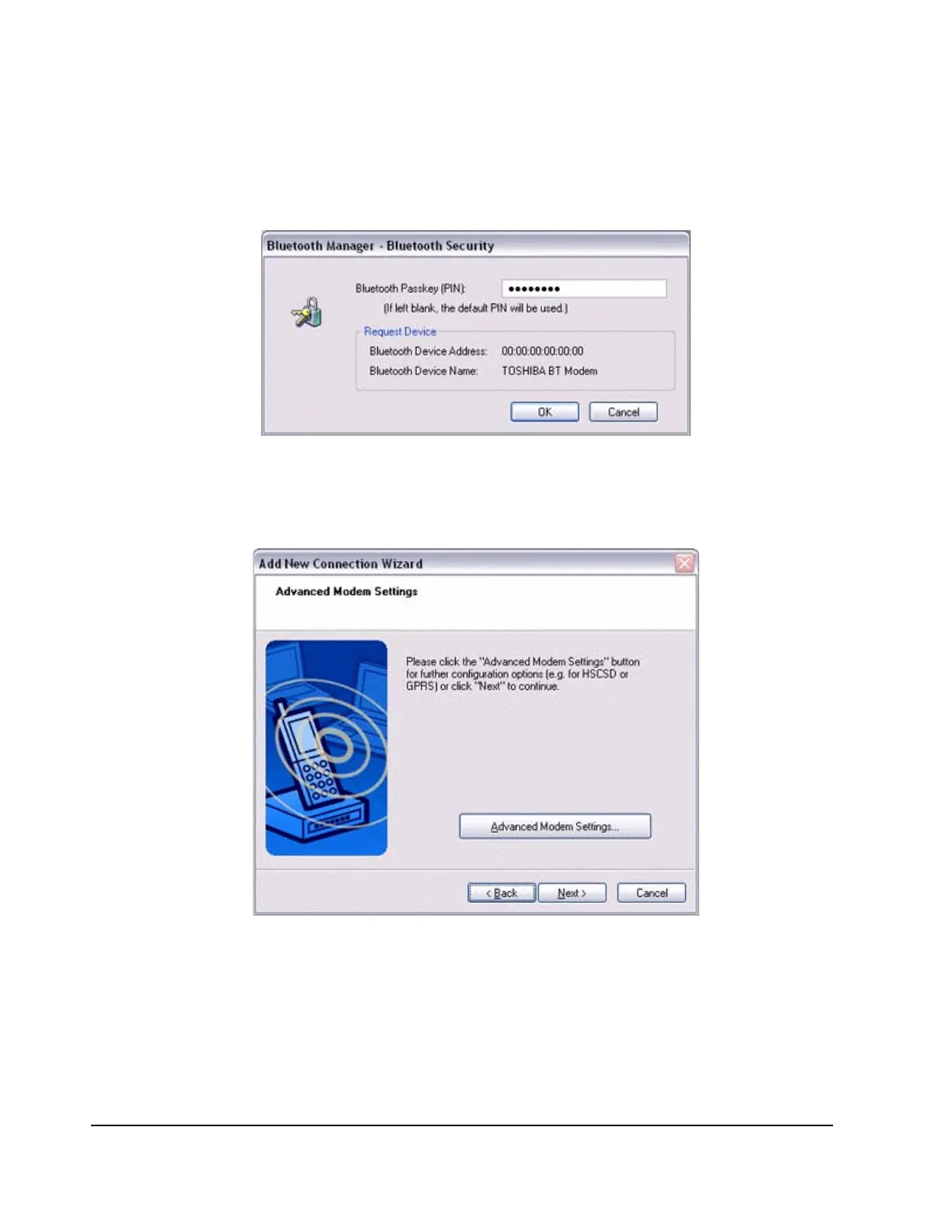
If you are connecting to a wireless modem station for the first time, enter the
passkey for the modem station under [Bluetooth Passkey (PIN code)], and then
click on the [OK] button. Typically, the PIN code is on the Bluetooth device.
Once the program has finished searching for the devices, the [Add New Connection
Wizard (Device Selection)] window will appear.
6.
Click on the [Next] button.
Certain modems require you to configure initialization commands separately.
Please click on the [Additional initialization Command Settings] button, enter the
initialization commands in the following window, and then click on the [OK] button.
Note
−
Please refer to the modem or mobile phone instruction manual for further detail or
mobile phone instruction manual for further details on initialization commands.



 To Next Page