73
software installed on the destination device, so please be sure to follow the
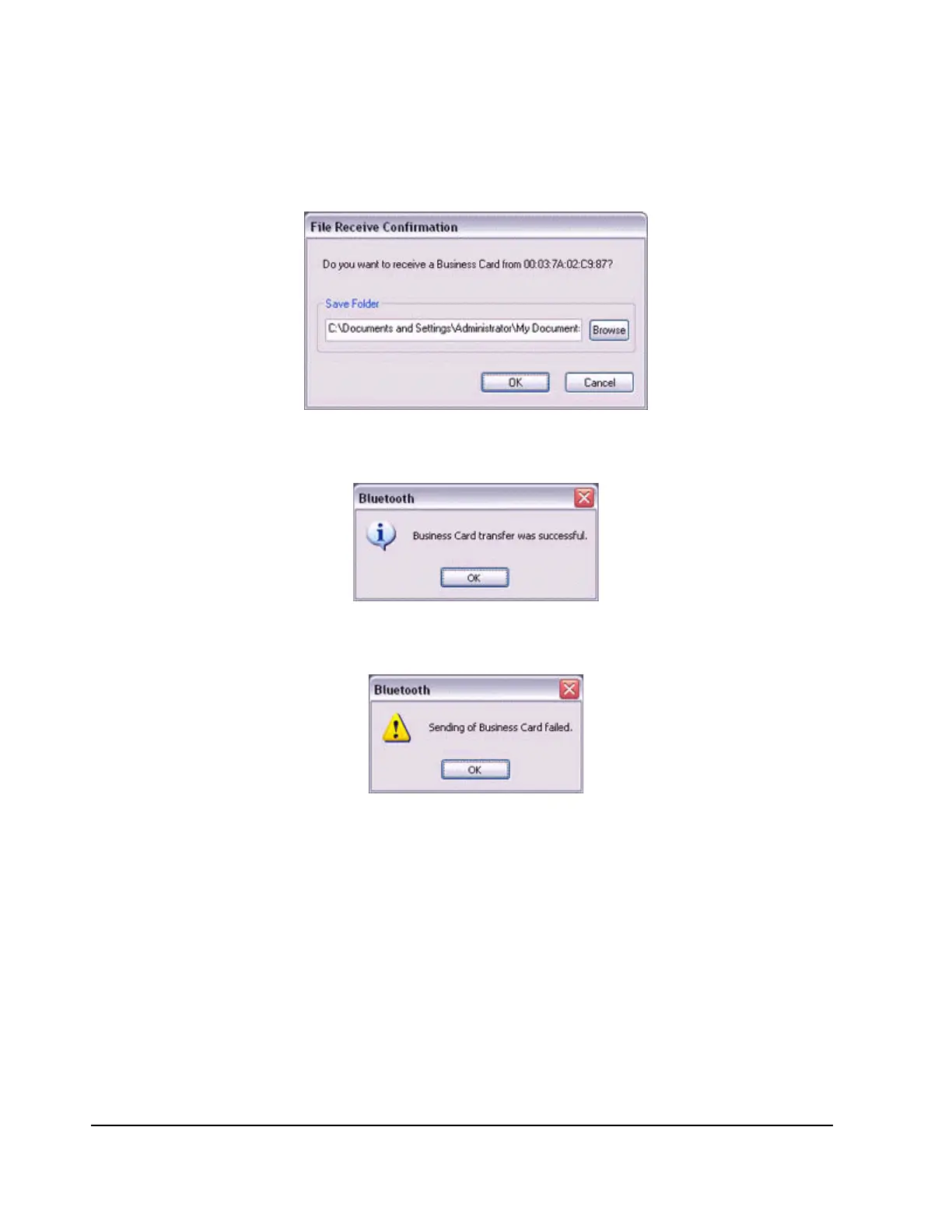
instructions provided. If you are using the Bluetooth Utility, a message similar to
the one below will appear.
If the business card has been sent successfully, the message below will appear.
Please click on the [OK] button.
The message below will appear if the business card transmission was unsuccessful.
Please click on the [OK] button to close the message, and repeat the procedure.
Selecting your personal business card
You can prepare a business card bearing your name and other details such as your
company and telephone numbers, and then send it to another party.
Note
−
Alternatively, opening Explorer and clicking on the Bluetooth Information
Exchanger folder will produce the same result.
1.
Turn on the PC or PDA.
2.
Double-click on the Bluetooth Information Exchanger icon on the Desktop.



 To Next Page