75
Note
−
If the desired device does not appear in the list, please confirm that the device has
been turned on, and then select [Bluetooth]→[Search Devices].
A device search will be performed.
4.
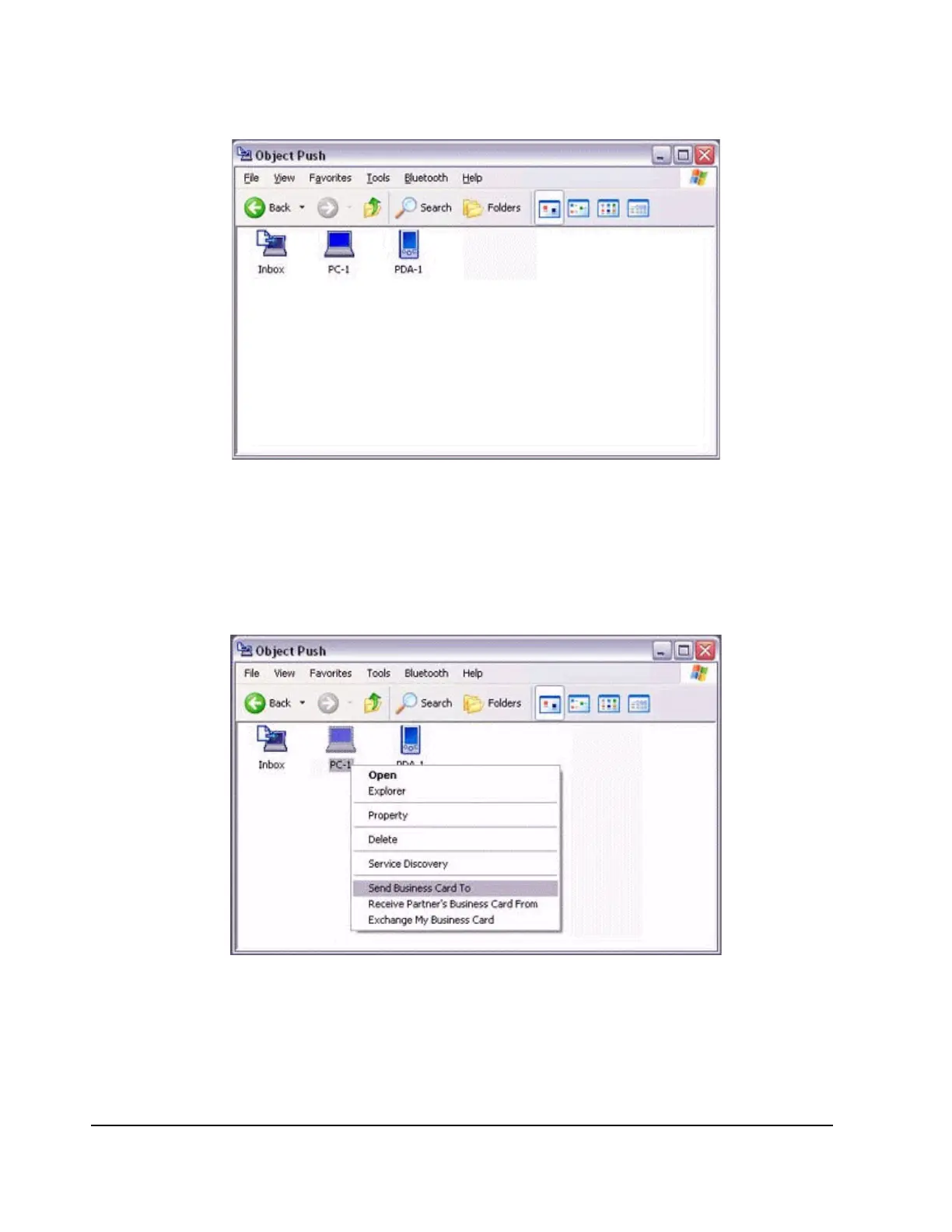
Right-click on the destination icon, and then click on [Send business card To].
In this case, your personal business card will be sent to a PC named "PC-1".
The business card will be sent.
Note
−
When you try to send a business card, a message requesting permission to
receive the files may appear on the device belonging to the other party (i.e., on the



 To Next Page