79
Exchanging business cards
Simultaneously exchange your business card with one belonging to another party.
1.
Turn on the PC or PDA.
2.
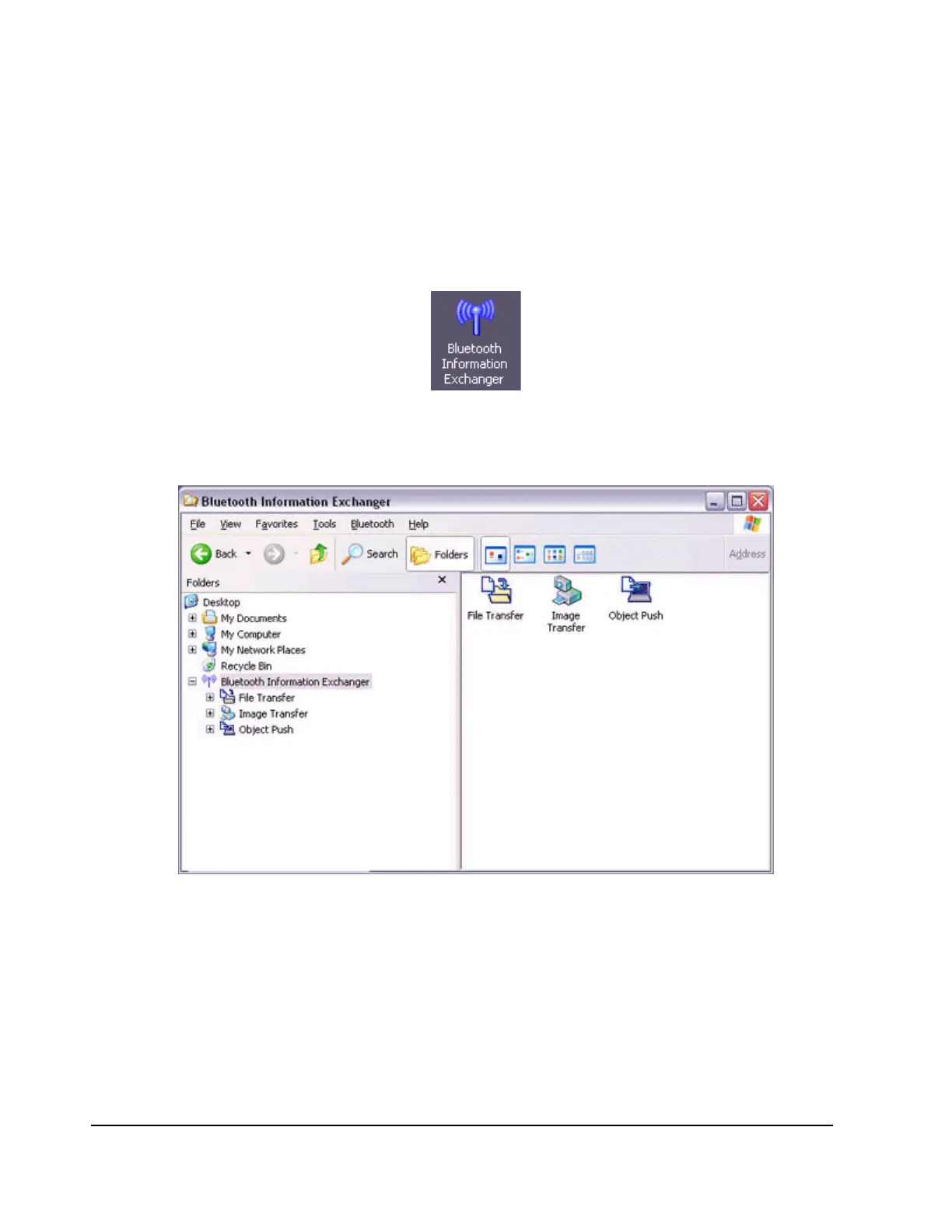
Double-click on the Bluetooth Information Exchanger icon on the Desktop.
Note
−
Alternatively, opening Explorer and clicking on the Bluetooth Information
Exchanger folder will produce the same result.
3.
Double-click on the [Object Push] icon.
A list of devices will appear in the [Object Push] window.



 To Next Page