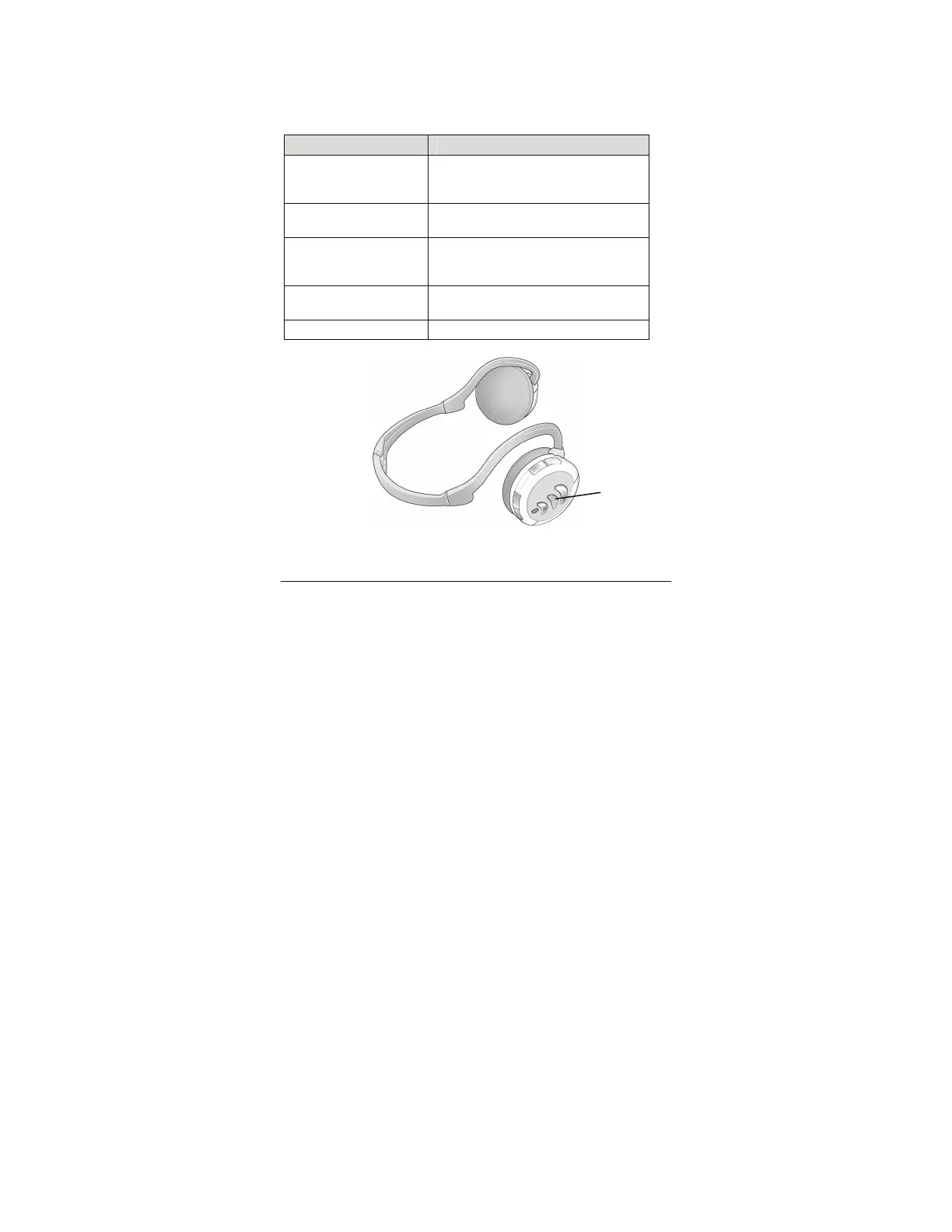
After you initiate a device’s pairing, switch the Headphones’
On/Off (1/0) button from Off to On. The Pairing mode LED will
flash blue and red until pairing occurs. At that point the LED
will flash blue for about 10 seconds and then turn off.
Pairing LED Status Explanation
Red/blue alternate
flashing
Searching for a device
or
pairing
Blue flashing Paired. After 10 seconds, the LED
turns off.
Intermittent blue
flashing
Idle (not paired). After 3 minutes,
headphones go into Sleep mode and
LED turns off.
Intermittent red
flashing
Low battery
No indication Paired or in Sleep mode
Pairing
LED
After two devices are paired, they normally remain paired
unless a new and inconsistent pairing occurs.
5



 To Next Page