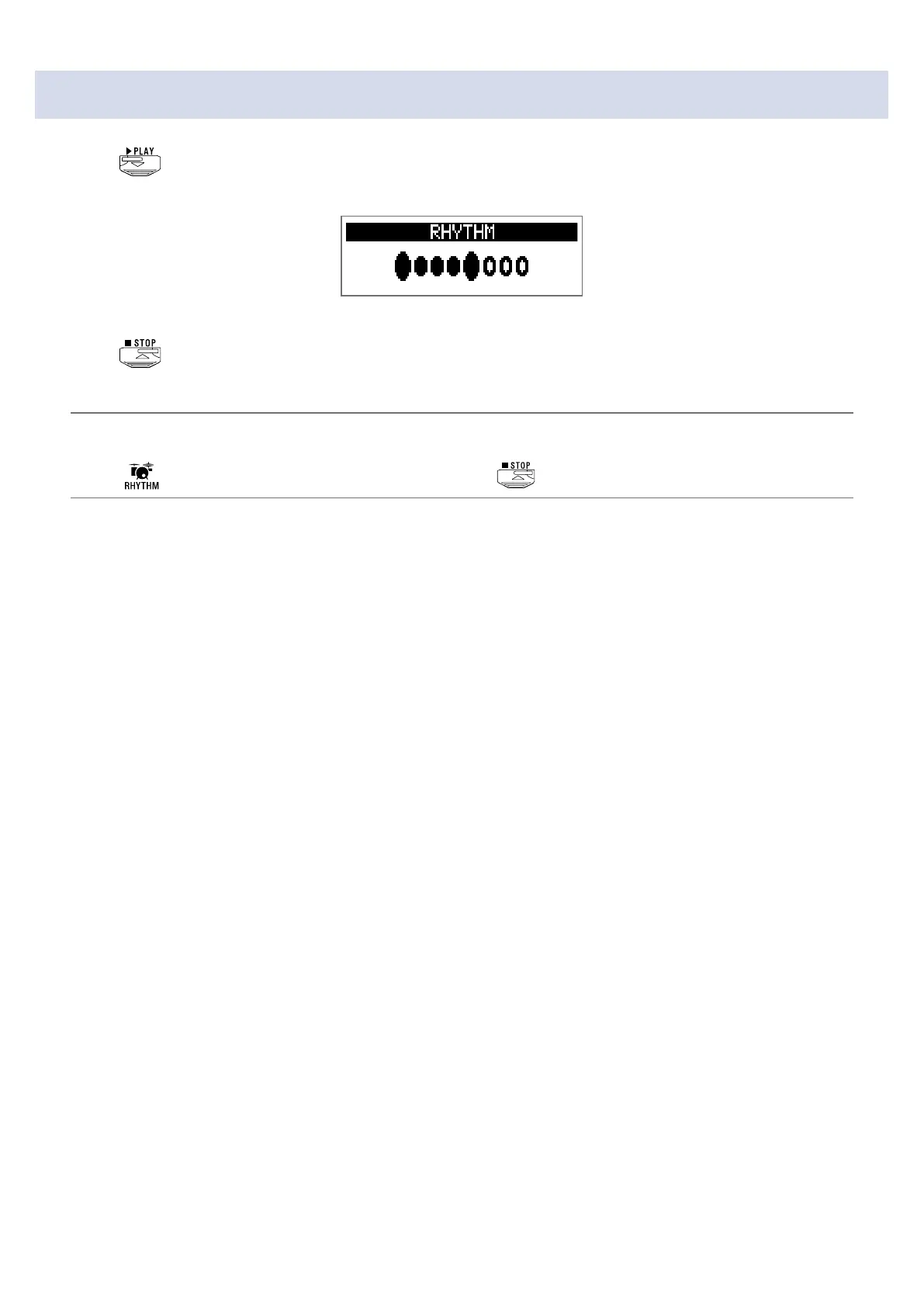
Starting/stopping rhythm playback
1.
Press .
This starts rhythm playback.
2.
Press .
This stops rhythm playback.
HINT
During rhythm playback, you can switch MEMORY, STOMP and EDIT modes. To stop rhythm playback,
press
to open the RHYTHM screen, and then press .
45


 To Next Page