04 05
Power On
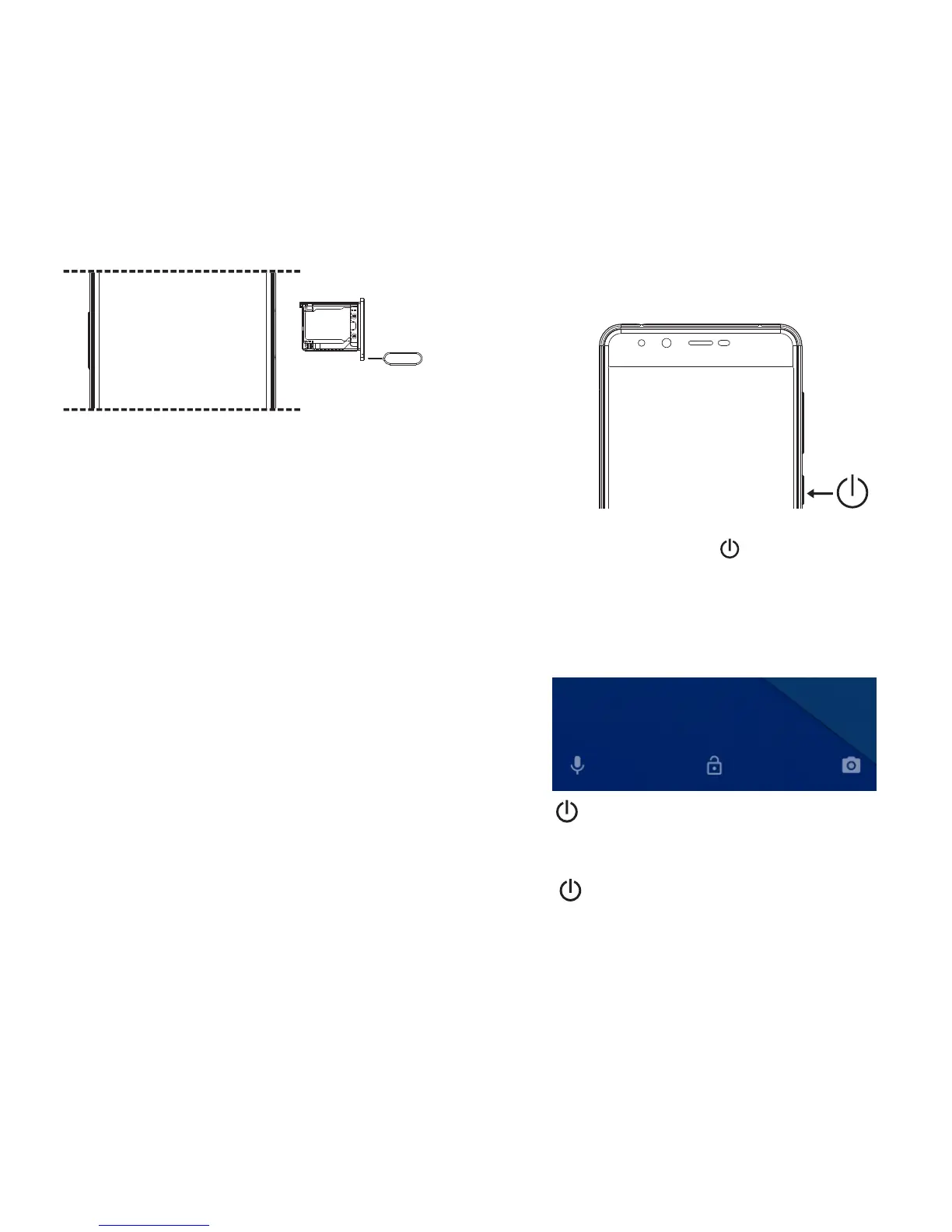
1. Press and hold the power button until the screen turns on.
2. Wait a few seconds for the phone to power on.
Unlock and Lock screen
Unlock
Press and swipe up on screen to unlock.
Press at any time and the phone will lock and enter standby
mode.
Lock Screen
①
②
③
④
⑤
Ensure the phone is powered off.
Insert the SIM card tool into the pinhole and push.
The SIM tray will pop out, on the top side place a Micro-SIM
card.
On the bottom side, place either a Micro-SIM or a Micro-SD
card.
Insert the SIM tray back inside, and turn on the phone.



 To Next Page