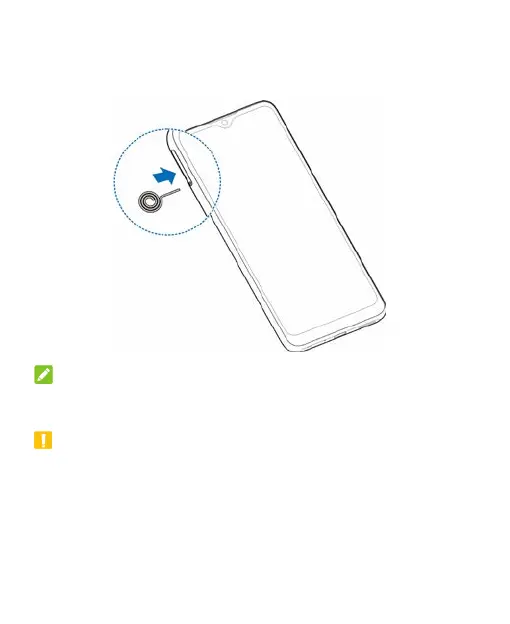
1. Insert the tip of the tray eject tool into the hole on the card
tray.
NOTE:
Please use the tray eject tool included in the box. Otherwise the
card tray may not be ejected.
CAUTION:
Never replace the included tray eject tool with sharp objects.
Ensure that the tray eject tool is perpendicular to the hole.
Otherwise, the phone may be damaged.
16



 To Next Page