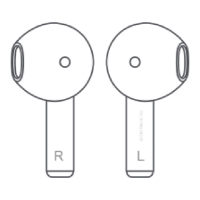
To connect for the first time, take out the earbuds from the
Charging Case. They will automatically turn on and enter
device pairing mode;
If the earbuds are already paired, they will automatically turn
on after leaving the Charging Case and reconnect to the last
paired device.
Disconnect from Bluetooth
Put both earbuds into the Charging Case, they will disconnect
from the paired device.
Clear Connection History
While the earbuds are on and not connected to a device,
quickly tap on both of them 3 times. The pairing history will
be cleared and the earbuds will turn off automatically one
second later.
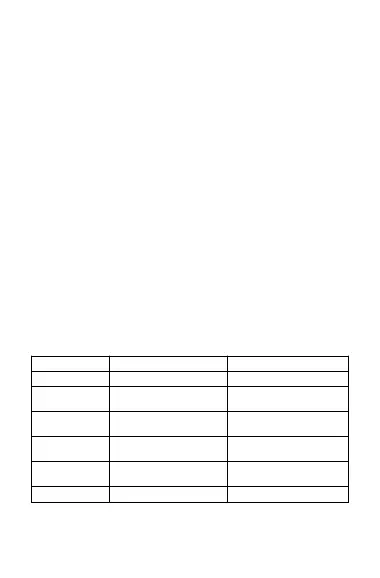
Functions
Touch and hold the left
earbud for 1.5 seconds
Touch and hold the right
earbud for 1.5 seconds
Touch and hold for 1.5
seconds
Touch and hold for 1.5
seconds


 To Next Page